Free with trial The image shows a close-up of a computer keyboard with a custom key placed between the Alt and Backspace keys. This key features the Twitter logo, indicating a personalized or modified keyboard setup for easier access to the Twitter application or website. The surrounding keys include Alt, AltGr, Backspace, Shift, and a few other function keys. Application function illustrations Custom keyboard key featuring the twitter logo next to the alt and backspace keys. The image shows a close-up of a computer keyboard with a custom key placed. The image shows a close-up of a computer keyboard with a custom key placed between the Alt and Backspace keys. This key features the Twitter logo, indicating a personalized or modified keyboard setup for easier access to the Twitter application or website. The surrounding keys include Alt, AltGr, Backspace, Shift, and a few other function keys
Free with trial Backend as a Service - text concept on a mobile tablet computer on a desk - 3d render illustration. development application web cloud storage social baas office data network push architect management software code networking server platform program computing user infrastructure database integration function providing api backending business modern rendering word. Application function illustrations Backend as a Service. Text concept on a mobile tablet computer on a desk - 3d render illustration. development application web cloud storage social baas. Backend as a Service - text concept on a mobile tablet computer on a desk - 3d render illustration. development application web cloud storage social baas office data network push architect management software code networking server platform program computing user infrastructure database integration function providing api backending business modern rendering word
Free with trial Backend as a Service - linear text arrow concept with notebook, smartphone, pens and coffee mug on desktop - 3D render illustration. development application web cloud storage social baas office data network mobile push architect management software code networking server platform program computing user infrastructure database integration function providing api backending business modern rendering word. Application function illustrations Backend as a Service. Linear text arrow concept with notebook, smartphone, pens and coffee mug on desktop - 3D render illustration. development application. Backend as a Service - linear text arrow concept with notebook, smartphone, pens and coffee mug on desktop - 3D render illustration. development application web cloud storage social baas office data network mobile push architect management software code networking server platform program computing user infrastructure database integration function providing api backending business modern rendering word
Free with trial Backend as a Service text on modern laptop screen in office environment. 3D render illustration business text concept. development application web cloud storage social baas data network mobile push architect management software code networking server platform program computing user infrastructure database integration function providing api backending rendering word. Application function illustrations Backend as a Service. Text on modern laptop screen in office environment. 3D render illustration business text concept. development application web cloud. Backend as a Service text on modern laptop screen in office environment. 3D render illustration business text concept. development application web cloud storage social baas data network mobile push architect management software code networking server platform program computing user infrastructure database integration function providing api backending rendering word
Free with trial Backend as a Service. - keyboard 3d render illustration text concept with word on blue key, development, application, web, cloud, storage, social, baas, office, data, network, mobile, push, architect, management, software, code, networking, server, platform, program, computing, user, infrastructure, database, integration, function, providing, api, backending, business, modern, rendering. Application function illustrations Backend as a Service. Keyboard 3d render illustration text concept with word on blue key, development, application, web, cloud, storage, social, baas, office. Backend as a Service. - keyboard 3d render illustration text concept with word on blue key, development, application, web, cloud, storage, social, baas, office, data, network, mobile, push, architect, management, software, code, networking, server, platform, program, computing, user, infrastructure, database, integration, function, providing, api, backending, business, modern, rendering
Free with trial Mobile application setup is illustrated by a hand tapping an icon on the screen next to a gear symbol with a checkmark representing successful configuration management or optimized software function in a minimal design style. Application function illustrations Outline icon representing a hand interacting with a mobile application interface alongside a gear symbol indicating successful. Mobile application setup is. Mobile application setup is illustrated by a hand tapping an icon on the screen next to a gear symbol with a checkmark representing successful configuration management or optimized software function in a minimal design style
Free with trial A modern vector illustration of a stopwatch with a vibrant gradient, representing elapsed time, speed, and measurement. This dynamic icon is ideal for fitness trackers, project management software, and any application requiring precise timing or performance tracking, combining function with aesthetic, vector design Generative AI. Application function vectors Gradient stopwatch icon for elapsed time, vector design Generative AI. A modern vector illustration of a stopwatch with a vibrant gradient, representing elapsed. A modern vector illustration of a stopwatch with a vibrant gradient, representing elapsed time, speed, and measurement. This dynamic icon is ideal for fitness trackers, project management software, and any application requiring precise timing or performance tracking, combining function with aesthetic, vector design Generative AI
Free with trial A stylized blue and black dump truck is shown in the process of offloading a heap of material, likely for construction or an industrial application. The minimalist design highlights the vehicle's function. Application function illustrations Blue and black dump truck offloading material pile for construction or industrial purpose. A stylized blue and black dump truck is shown in the process of. A stylized blue and black dump truck is shown in the process of offloading a heap of material, likely for construction or an industrial application. The minimalist design highlights the vehicle's function
Free with trial A universally recognized pause icon, consisting of two vertical lines separated by a horizontal dash. Ideal for media playback controls, video editing software, or any application requiring a clear temporary halt function, providing intuitive user interaction, vector design Generative AI. Application function vectors Universal Pause Icon for Media Playback & Controls, vector design Generative AI. A universally recognized pause icon, consisting of two vertical lines separated. A universally recognized pause icon, consisting of two vertical lines separated by a horizontal dash. Ideal for media playback controls, video editing software, or any application requiring a clear temporary halt function, providing intuitive user interaction, vector design Generative AI
Free with trial The image shows a sleek, minimalist play button icon designed with a circular outline and a right-pointing triangle in the center. The button is monochromatic with a white fill and black outline, suitable for use in media player interfaces, video platforms, or any application requiring a start or play function. Application function illustrations Modern play button icon on a transparent background for media controls. The image shows a sleek, minimalist play button icon designed with a circular outline and. The image shows a sleek, minimalist play button icon designed with a circular outline and a right-pointing triangle in the center. The button is monochromatic with a white fill and black outline, suitable for use in media player interfaces, video platforms, or any application requiring a start or play function
Free with trial A set of twenty black and white icons representing various application interface functionalities. Icons include symbols for Home, Profile, Settings, Search, Notifications, Dashboard, Messages, Cart, Calendar, Help, Analytics, Files, Upload, Download, Community, Wallet, Favorites, Projects, Filter, and Logout. Each icon is minimalistic, using simple shapes and lines to convey the function. Designed for digital applications, these vector images are uniform in style, ensuring a cohesive look for user interfaces. Application function illustrations Collection of twenty basic black and white vector application interface. A set of twenty black and white icons representing various application interface. A set of twenty black and white icons representing various application interface functionalities. Icons include symbols for Home, Profile, Settings, Search, Notifications, Dashboard, Messages, Cart, Calendar, Help, Analytics, Files, Upload, Download, Community, Wallet, Favorites, Projects, Filter, and Logout. Each icon is minimalistic, using simple shapes and lines to convey the function. Designed for digital applications, these vector images are uniform in style, ensuring a cohesive look for user interfaces.
Free with trial A teal telephone receiver icon. Represents phone calls, contact information, communication, and customer service. Widely used in business cards, websites, and application interfaces to indicate a phone number or call function now. vector design Generative AI. Application function vectors Teal Telephone Receiver Icon for Call and Contact Symbol vector design Generative AI. A teal telephone receiver icon. Represents phone calls, contact information. A teal telephone receiver icon. Represents phone calls, contact information, communication, and customer service. Widely used in business cards, websites, and application interfaces to indicate a phone number or call function now. vector design Generative AI
Free with trial A clean vector illustration of a magnifying glass, symbolizing search, discovery, and investigation. This icon is essential for websites, search engines, file explorers, and any application requiring a search function for user convenience, vector design Generative AI. Application function vectors Search Magnifying Glass, Find Discover Icon, vector design Generative AI. A clean vector illustration of a magnifying glass, symbolizing search, discovery, and. A clean vector illustration of a magnifying glass, symbolizing search, discovery, and investigation. This icon is essential for websites, search engines, file explorers, and any application requiring a search function for user convenience, vector design Generative AI
Free with trial A simple green icon of a magnifying glass. This universally understood symbol for search and zoom is perfect for user interfaces, web design, and any application where finding information is a key function. vector design Generative AI. Application function vectors Green Magnifying Glass Icon for Search and Zoom, vector design Generative AI. A simple green icon of a magnifying glass. This universally understood symbol for. A simple green icon of a magnifying glass. This universally understood symbol for search and zoom is perfect for user interfaces, web design, and any application where finding information is a key function. vector design Generative AI
Free with trial A close-up view of a blue computer keyboard key featuring a white icon of a cloud with a sun. This graphic element suggests a weather forecast, a related application, or a digital interface function. The key is positioned among other white keys, highlighting its distinct design. Application function illustrations Close up of a blue computer keyboard key with a white cloud and sun icon for weather forecast or app. A close-up view of a blue computer keyboard key featuring a. A close-up view of a blue computer keyboard key featuring a white icon of a cloud with a sun. This graphic element suggests a weather forecast, a related application, or a digital interface function. The key is positioned among other white keys, highlighting its distinct design
Free with trial The image depicts the icon for Microsoft Excel, a widely used spreadsheet application. The icon features a green background with a white 'X' on the left side, symbolizing the application's name. To the right of the 'X', there are grid lines representing a spreadsheet, indicative of the program's primary function for creating and managing spreadsheets. Application function illustrations Microsoft excel spreadsheet application icon. The image depicts the icon for Microsoft Excel, a widely used spreadsheet application. The icon features a green. The image depicts the icon for Microsoft Excel, a widely used spreadsheet application. The icon features a green background with a white 'X' on the left side, symbolizing the application's name. To the right of the 'X', there are grid lines representing a spreadsheet, indicative of the program's primary function for creating and managing spreadsheets
Free with trial A flat vector art illustration showcases a digital mental health app displaying key data, cognitive processes, and health metrics on a mobile device. Application function vectors Digital Mental Health Application Featuring Data Visualization and Cognitive Function Icons on a Phone. A flat vector art illustration showcases a digital mental. A flat vector art illustration showcases a digital mental health app displaying key data, cognitive processes, and health metrics on a mobile device.
Free with trial A sleek, minimalist vector icon of a magnifying glass, symbolizing search, discovery, and focus. Its clean design makes it perfect for user interfaces, web navigation, educational materials, and any application requiring an intuitive search or zoom function. Simple yet highly functional. vector design Generative AI. Application function vectors Minimalist Magnifying Glass Search Icon Vector, vector design Generative AI. A sleek, minimalist vector icon of a magnifying glass, symbolizing search, discovery. A sleek, minimalist vector icon of a magnifying glass, symbolizing search, discovery, and focus. Its clean design makes it perfect for user interfaces, web navigation, educational materials, and any application requiring an intuitive search or zoom function. Simple yet highly functional. vector design Generative AI
Free with trial Colorful email application icons arranged in a 5x4 grid on a white background. Each icon represents a different email function: Compose, Inbox, Sent, Drafts, Spam, Trash, Archive, Unread, Read, Attachment, Reply, Forward, Starred, Contacts, Calendar, New Message, Folder, Notification, Outbox, and Search. Icons are designed with simple, identifiable symbols, each within a square, using a palette of green, blue, orange, and red. Application function illustrations Compose, Inbox, Sent, Drafts, Spam, Trash, Archive, Unread, Read,. Colorful email application icons arranged in a 5x4 grid on a white background. Each icon. Colorful email application icons arranged in a 5x4 grid on a white background. Each icon represents a different email function: Compose, Inbox, Sent, Drafts, Spam, Trash, Archive, Unread, Read, Attachment, Reply, Forward, Starred, Contacts, Calendar, New Message, Folder, Notification, Outbox, and Search. Icons are designed with simple, identifiable symbols, each within a square, using a palette of green, blue, orange, and red.
Free with trial User interface design of a notes application with a clean, modern look. The main screen displays categories such as "General Notes," "Soleral Notes," "Reminders," "Your Mewe," and "Dring Lise," each with icons and muted color backgrounds. A dark blue header features a search function and a menu icon. At the bottom, a button labeled "Add New Note" is prominently positioned. The overall design emphasizes accessibility and simplicity, using a color palette of greens, blues, and yellows. Application function illustrations Your Mewe, and Dring Lise, each with icons and muted color backgroun. User interface design of a notes application with a clean, modern look. The main screen. User interface design of a notes application with a clean, modern look. The main screen displays categories such as "General Notes," "Soleral Notes," "Reminders," "Your Mewe," and "Dring Lise," each with icons and muted color backgrounds. A dark blue header features a search function and a menu icon. At the bottom, a button labeled "Add New Note" is prominently positioned. The overall design emphasizes accessibility and simplicity, using a color palette of greens, blues, and yellows.
Free with trial Illustration of a hand crimping tool used for joining materials, such as wires or connectors. The tool features two handles with grip patterns and a jaw mechanism for crimping. Central gears and a hinge system allow for precise pressure application. The image highlights key components, such as the screws and pivot points that enable the tools function. Application function illustrations Illustration of a hand crimping tool used for joining materials, such as wires or connectors. The tool features two handles with grip patterns and a jaw
Free with trial A minimalist and modern search bar icon featuring a magnifying glass. This universal symbol for search and discovery is essential for web design, application UIs, and any interface requiring a search function. Clean and easily recognizable. vector design Generative AI. Application function vectors A simple black and white search icon with a magnifying glass symbol. vector design Generative AI. A minimalist and modern search bar icon featuring a magnifying. A minimalist and modern search bar icon featuring a magnifying glass. This universal symbol for search and discovery is essential for web design, application UIs, and any interface requiring a search function. Clean and easily recognizable. vector design Generative AI
Free with trial A collection of four distinct 3D rendered application icons in vibrant colors. Each icon represents a different function, such as communication, settings, time, and a generic UI element, all isolated on a clean white background. Application function illustrations Four colorful 3d app icons featuring a speech bubble gear clock and rectangle isolated on white background. A collection of four distinct 3D rendered application. A collection of four distinct 3D rendered application icons in vibrant colors. Each icon represents a different function, such as communication, settings, time, and a generic UI element, all isolated on a clean white background
Free with trial This image displays a grid of icons, each representing a different application or function. The icons include symbols for cloud storage, color settings, photo editing, music, documents, gaming, calendar, search, security, weather, messaging, and connectivity options like Wi-Fi. Application function illustrations A collection of various icons representing different applications and functions on a device. This image displays a grid of icons, each representing a different. This image displays a grid of icons, each representing a different application or function. The icons include symbols for cloud storage, color settings, photo editing, music, documents, gaming, calendar, search, security, weather, messaging, and connectivity options like Wi-Fi
Free with trial A simple magnifying glass icon, universally representing search, find, exploration, and discovery. Essential for website navigation, application search bars, research tools, or any interface requiring a search function. Clear and intuitive. vector design Generative AI. Application function vectors Magnifying Glass Search Icon for Find Explore Discovery, vector design Generative AI. A simple magnifying glass icon, universally representing search, find. A simple magnifying glass icon, universally representing search, find, exploration, and discovery. Essential for website navigation, application search bars, research tools, or any interface requiring a search function. Clear and intuitive. vector design Generative AI
Free with trial Program software development web site code setting option setup 3d icon realistic vector illustration. Data optimization technology coding application installation network hardware function option. Application function vectors Program software development web site code setting option setup 3d icon realistic vector. Illustration. Data optimization technology coding application. Program software development web site code setting option setup 3d icon realistic vector illustration. Data optimization technology coding application installation network hardware function option
Free with trial Outlined communication icon: smartphone, connection, application. Vector illustration for coloring. Heart shape phone with function pictogram. Application function illustrations Outlined communication icon: smartphone, connection, application. Vector illustration for coloring. Heart shape phone with function pictogram
Free with trial Browser, web, window, gear, settings, configuration, icon, illustration, vector, colorful, design, internet, application, digital, technology, software, online, interface, tool, function, control, customization, option, optimization, automation, performance, security, privacy, update, upgrade, management, maintenance, repair, troubleshoot, accessibility, usability, experience, mobile, desktop,. Application function vectors Web browser settings icon. Colorful vector illustration of a web browser window with a gear icon, representing browser settings or. Browser, web, window, gear. browser, web, window, gear, settings, configuration, icon, illustration, vector, colorful, design, internet, application, digital, technology, software, online, interface, tool, function, control, customization, option, optimization, automation, performance, security, privacy, update, upgrade, management, maintenance, repair, troubleshoot, accessibility, usability, experience, mobile, desktop,
Free with trial Auto parking and Smart pick me up application, Auto drive function and internet of things in smart car concept. Hand holding smart phone and application dashboard with blur car parking background. Application function illustrations Hand holding smart phone and application dashboard with blur car parking background. Auto parking and Smart pick me up application, Auto drive function and. Auto parking and Smart pick me up application, Auto drive function and internet of things in smart car concept. Hand holding smart phone and application dashboard with blur car parking background
Free with trial Red paint roller with a black handle applying a broad red paint streak on a white surface. The roller's cylindrical shape is covered in vibrant red paint, creating a neat, straight edge. The handle is ergonomically designed, featuring a hole for hanging. The paint texture is smooth, suggesting fresh application. The color contrast between the red paint and white background emphasizes the tool's function and effectiveness. Application function illustrations Red paint roller with a black handle applying a broad red paint streak on a white. Surface. The roller's cylindrical shape is covered in vibrant red paint. Red paint roller with a black handle applying a broad red paint streak on a white surface. The roller's cylindrical shape is covered in vibrant red paint, creating a neat, straight edge. The handle is ergonomically designed, featuring a hole for hanging. The paint texture is smooth, suggesting fresh application. The color contrast between the red paint and white background emphasizes the tool's function and effectiveness.
Free with trial Web browser cleaner icon design. Vector design of mobile application logo for function certain. Application function vectors Web browser cleaner icon design. Vector design of mobile application logo for function certain
Free with trial Interlocking mechanical gears made of shiny steel, exhibiting precise tooth alignment. Each gear showcases evenly spaced teeth, enabling smooth meshing with adjacent gears. The image highlights both large and small-sized gears, indicating a potential application in complex machinery. The polished metallic surface reflects light, emphasizing the intricate details and craftsmanship. These gears illustrate principles of rotational motion and torque transmission, essential for mechanical engineering and machinery function. Application function illustrations Interlocking mechanical gears made of shiny steel, exhibiting precise tooth. Alignment. Each gear showcases evenly spaced teeth, enabling smooth meshing with. Interlocking mechanical gears made of shiny steel, exhibiting precise tooth alignment. Each gear showcases evenly spaced teeth, enabling smooth meshing with adjacent gears. The image highlights both large and small-sized gears, indicating a potential application in complex machinery. The polished metallic surface reflects light, emphasizing the intricate details and craftsmanship. These gears illustrate principles of rotational motion and torque transmission, essential for mechanical engineering and machinery function.
Free with trial Voice Recognition App Promotion Poster Vector. Voice Assistant Mobile Phone Digital Application Advertising Banner. Smartphone Function Concept Template Style Colorful Illustration. Application function vectors Voice Recognition App Promotion Poster Vector. Voice Assistant Mobile Phone Digital Application Advertising Banner. Smartphone Function Concept Template Style
Free with trial Media player, software, computer application. Geolocation app, location determination function. Male implementor, programmer cartoon character. Vector isolated concept metaphor illustration. Application function vectors Media player vector concept metaphor. Media player, software, computer application. Geolocation app, location determination function. Male implementor. Media player, software, computer application. Geolocation app, location determination function. Male implementor, programmer cartoon character. Vector isolated concept metaphor illustration
Free with trial Media player, software, computer application. Geolocation app, location determination function. Male implementor, programmer cartoon character. Vector isolated concept metaphor illustration. Application function vectors Media player vector concept metaphor. Media player, software, computer application. Geolocation app, location determination function. Male implementor. Media player, software, computer application. Geolocation app, location determination function. Male implementor, programmer cartoon character. Vector isolated concept metaphor illustration
Free with trial Check in application smartwatch interface vector template. Mobile app notification light mode design. Quick add place function on screen. Flat UI for application. Check mark on smart watch display. Application function vectors Check in application smartwatch interface vector template. Mobile app notification light mode design. Quick add place function on screen. Flat UI for
Free with trial Quick check in application smartwatch interface vector template. Mobile app notification night mode design. Add place function on screen. Flat UI for application. Check mark on smart watch display. Application function vectors Quick check in application smartwatch interface vector template. Mobile app notification night mode design. Add place function on screen. Flat UI for
Free with trial A minimalist black line art icon of a magnifying glass. This universal symbol for search is perfect for website navigation bars, application interfaces, and any design that requires a simple and clean search function indicator. vector design Generative AI. Application function vectors Simple Magnifying Glass Search Icon in a Black Line Art Style, vector design Generative AI. A minimalist black line art icon of a magnifying glass. This. A minimalist black line art icon of a magnifying glass. This universal symbol for search is perfect for website navigation bars, application interfaces, and any design that requires a simple and clean search function indicator. vector design Generative AI
Free with trial A symbol or small image used to assist users in navigating and moving between pages, menus or links in an application, website or user interface. Navigation icons are designed to visually convey information about the function or purpose of the associated links or buttons, so that users can easily understand and use them. Application function illustrations Icon navigation for traveling. dark red color. eps 10. isolated dark red baground. A symbol or small image used to assist users in navigating and moving between. a symbol or small image used to assist users in navigating and moving between pages, menus or links in an application, website or user interface. Navigation icons are designed to visually convey information about the function or purpose of the associated links or buttons, so that users can easily understand and use them.
Free with trial A vibrant assortment of digital application icons, each representing a different function, displayed on a clean white background. Application function illustrations Collection of colorful application icons isolated on white background. A vibrant assortment of digital application icons, each representing a different function. A vibrant assortment of digital application icons, each representing a different function, displayed on a clean white background
Free with trial Concept of Systems, Applications and Products and its Function Modules. Application function vectors Concept of Systems, Applications and Products and Function Modules. Concept of Systems, Applications and Products and its Function Modules. Concept of Systems, Applications and Products and its Function Modules.
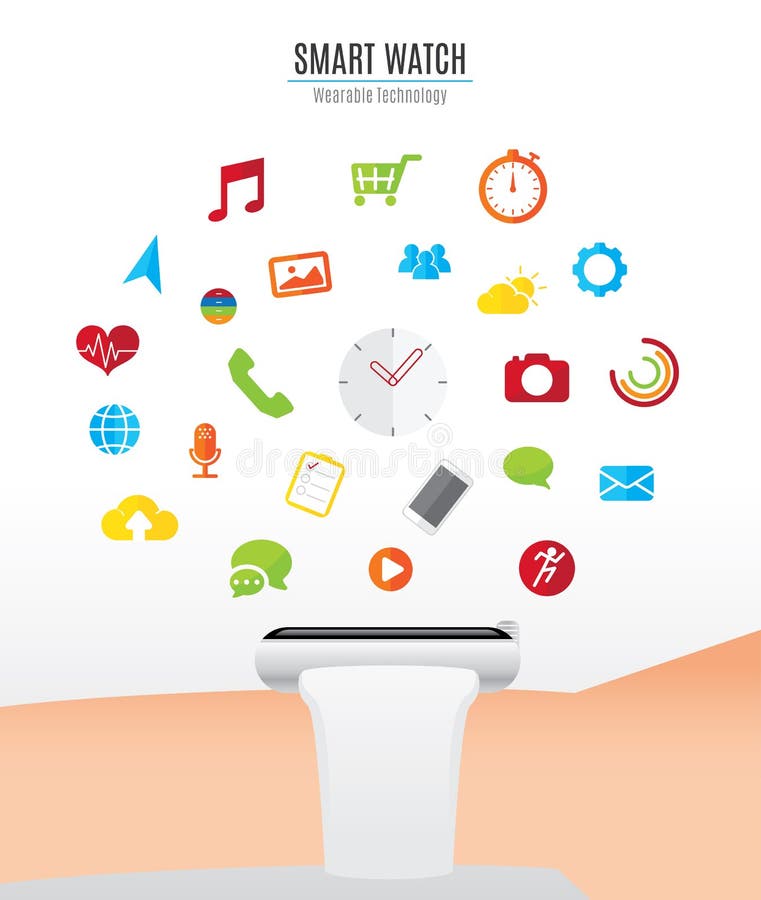
Free with trial Vector : Smart watch function icons,Wearable Technology. Application function vectors Vector : Smart watch function icons,Wearable Technology.
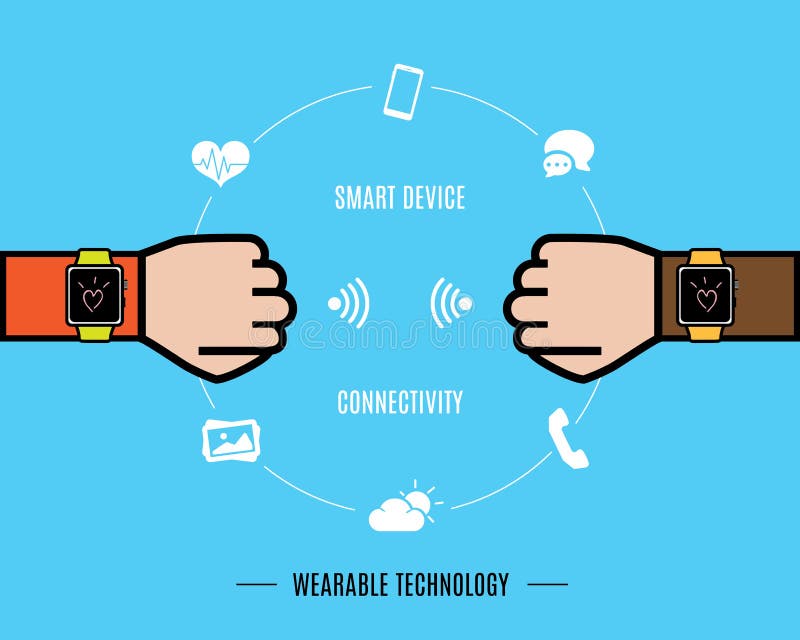
Free with trial Vector : Two Hand with smart watch and smart watch function icon,Wearable Technology. Application function vectors Vector : Two Hand with smart watch and smart watch function icon. Wearable Technology
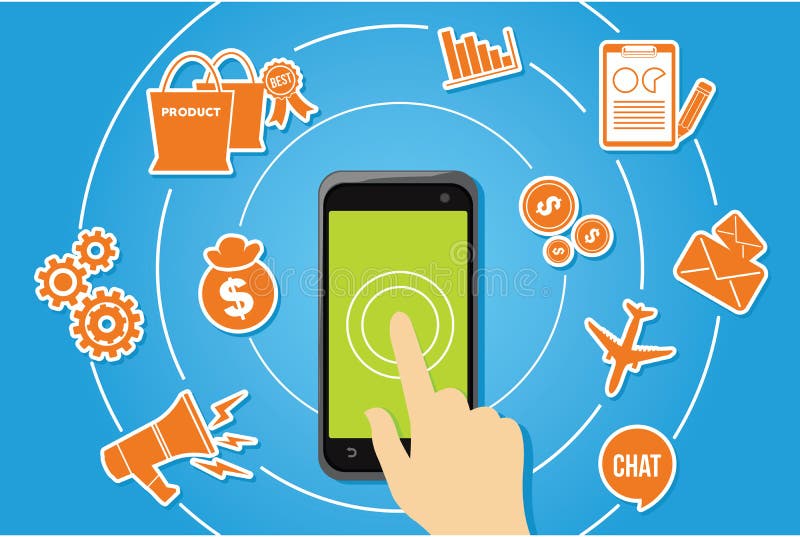
Free with trial Smart phone function and application icon concept vector. Illustration. Application function vectors Smart phone function and application icon concept vector. Illustration
Free with trial Integration testing software architecture process coding programming application review. Vector. Application function vectors Integration testing software architecture process coding programming application review. Vector
Free with trial CMD Option ESC computer keyboard shortcut. Forced quit function to close unresponsive frozen application. Hotkey combo buttons for pc and laptop. Fast software efficiency. Flat vector illustration. Application function vectors CMD Option ESC computer keyboard shortcut. Forced quit function to close unresponsive frozen application. Hotkey combo buttons for pc and laptop. Fast software
Free with trial A function is a reusable block of programming code designed to perform a specific task or operation. Application function vectors Illustration of function. A function is a reusable block of programming code designed to perform a specific task or operation. A function is a reusable block of programming code designed to perform a specific task or operation.
Free with trial Different application icons set. On paper sheets. Application function illustrations Different application icons set. On paper sheets
Free with trial Hand holding mobile phone on login screen. Smartphone application icons connected by lines. Concept of smart communication and technology. Flat vector illustration. Application function vectors Mobile phone and application. Hand holding mobile phone on login screen. Smartphone application icons connected by lines. Concept of smart communication and. Hand holding mobile phone on login screen. Smartphone application icons connected by lines. Concept of smart communication and technology. Flat vector illustration.
Free with trial Glossy blue magnifying glass featuring a minus symbol inside, representing a zoom out function. This clean 3D rendered icon is perfect for user interface design, web navigation, or digital application settings. Application function illustrations 3D zoom out icon with blue glossy finish. Glossy blue magnifying glass featuring a minus symbol inside, representing a zoom out function. This clean 3D rendered. Glossy blue magnifying glass featuring a minus symbol inside, representing a zoom out function. This clean 3D rendered icon is perfect for user interface design, web navigation, or digital application settings.
Free with trial Muted microphone icon in black silhouette, representing audio being turned off. The design features a vertical line crossing the microphone, symbolizing the mute function. Positioned on a white background, the simple and bold graphic is typical for interface or application use, conveying the concept of silence or deactivated sound input. Application function illustrations A vertical line crossing the microphone, symbolizing the mute. Muted microphone icon in black silhouette, representing audio being turned off. The design. Muted microphone icon in black silhouette, representing audio being turned off. The design features a vertical line crossing the microphone, symbolizing the mute function. Positioned on a white background, the simple and bold graphic is typical for interface or application use, conveying the concept of silence or deactivated sound input.
Free with trial App or program setting function icon vector with gear cogwheel. Digital code upgrade and programming. Software support operation and work option change technical tool. Application function vectors App or program setting function icon vector. With gear cogwheel. Digital code upgrade and programming. Software support operation and work option change
Free with trial Phone application development line seamless pattern. Phone application development vector line seamless pattern phone application development sign illustration. Application function vectors Phone application development line seamless pattern. Phone application development vector line seamless pattern phone application development sign illustration
Free with trial This image illustrates the steps involved in designing a user-friendly digital application. It highlights brainstorming, wireframing, prototyping, user search interaction, and user feedback integration. Each stage is crucial for creating intuitive and efficient digital interfaces that enhance user satisfaction and engagement. Application function vectors User Experience Flow in Modern Digital Application Design Process. This image illustrates the steps involved in designing a user-friendly digital application. It. This image illustrates the steps involved in designing a user-friendly digital application. It highlights brainstorming, wireframing, prototyping, user search interaction, and user feedback integration. Each stage is crucial for creating intuitive and efficient digital interfaces that enhance user satisfaction and engagement
Free with trial Illustration of a compact, transparent liquid container equipped with a solar panel on its top surface. The container has a cylindrical shape with a spout-like feature visible on the side. There's a vertical gauge on the front, indicating liquid levels from "Min" to "Max. " The solar panel suggests the container may have an energy storage or heating function. The design is simplistic, emphasizing functionality and modern technology, likely in a conceptual application for solar-powered devices. Application function illustrations A vertical gauge on the front, indicating liquid levels from Min to. Illustration of a compact, transparent liquid container equipped with a solar panel on its. Illustration of a compact, transparent liquid container equipped with a solar panel on its top surface. The container has a cylindrical shape with a spout-like feature visible on the side. There's a vertical gauge on the front, indicating liquid levels from "Min" to "Max." The solar panel suggests the container may have an energy storage or heating function. The design is simplistic, emphasizing functionality and modern technology, likely in a conceptual application for solar-powered devices.
Free with trial Coding phone application on computer vector seamless pattern. Coding phone application on computer sign illustration. Application function illustrations Coding phone application on computer vector seamless pattern. Coding phone application on computer sign illustration
Free with trial Api file icon representing application programming interface development, software integration, data exchange, and digital technology concepts in a clean outline style. Application function illustrations Api file icon for application development programming. Api file icon representing application programming interface development, software integration, data. Api file icon representing application programming interface development, software integration, data exchange, and digital technology concepts in a clean outline style
Free with trial Vector : Hand with smart watch and smart watch function icons fl. Oating over watch,Wearable Technology. Application function vectors Vector : Hand with smart watch and smart watch function icons fl. Oating over watch,Wearable Technology
Free with trial Tablet application business technology, hands drawing art working concept, flat design idea vector. Application function vectors Tablet application business technology, drawing art working concept, flat design idea vector. Tablet application business technology, hands drawing art working. Tablet application business technology, hands drawing art working concept, flat design idea vector
Free with trial Index finger pressing a digital button, activating a function and illustrating user interaction with a modern digital interface, highlighting technology s seamless integration into daily life. Application function vectors Index finger pressing a digital button, activating a function and illustrating user interaction with a modern digital. Interface, highlighting technology s. Index finger pressing a digital button, activating a function and illustrating user interaction with a modern digital interface, highlighting technology s seamless integration into daily life
Free with trial Minimalist outline grid application menu button symbol isolated on white background for modern user interface and web design navigation. Application function vectors Minimalist Outline Grid Application Menu Interface Button Graphic Symbol Icon. Minimalist outline grid application menu button symbol isolated on white. Minimalist outline grid application menu button symbol isolated on white background for modern user interface and web design navigation.
Free with trial This image features a glossy pink rectangular button with the word "FUNCTION" prominently displayed in a textured white font. The button has a subtle bevel and shadow effect for a 3D appearance. Application function illustrations Pink rectangular button with \'function\' text word art. This image features a glossy pink rectangular button with the word 'FUNCTION' prominently displayed in a. This image features a glossy pink rectangular button with the word "FUNCTION" prominently displayed in a textured white font. The button has a subtle bevel and shadow effect for a 3D appearance
Free with trial A collection of simple black outline icons commonly used for website and application interface navigation and control. Application function vectors Set of black linear interface icons for website and mobile application UI design. A collection of simple black outline icons commonly used for website and. A collection of simple black outline icons commonly used for website and application interface navigation and control
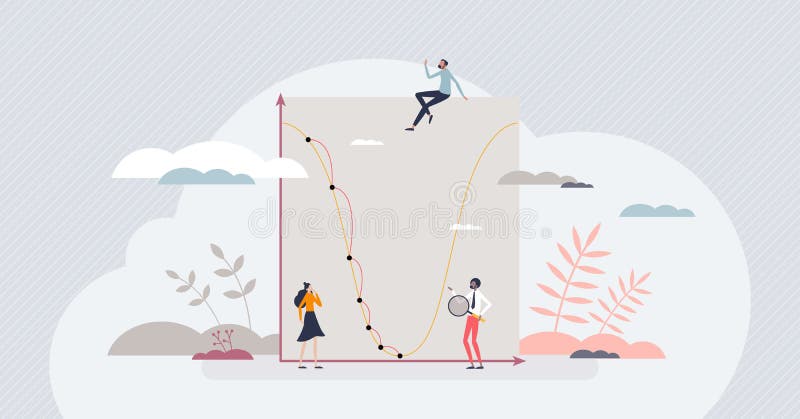
Free with trial Gradient descent algorithm and steepest descent function tiny person concept. Mathematical model for machine learning and data mining automation vector illustration. Finding local minimum for data. Application function vectors Gradient descent algorithm and steepest descent function tiny person concept. Mathematical model for machine learning and data mining automation vector
Free with trial Application Development text on speech bubble with businessman. Holding diskette. Application function illustrations Application Development text on speech bubble with businessman. Holding diskette
Free with trial Smart watch on black background. Multi-function interface layout in grid. 3D rendering image. Application function illustrations Smart watch on black background. Multi-function interface layout in grid. 3D rendering image
Free with trial Smart phone function and application icon concept vector. Illustration. Application function vectors Smart phone function and application icon concept vector. Illustration
Free with trial Application text on speech bubble with businessman. Holding diskette. Application function illustrations Application text on speech bubble with businessman. Holding diskette
 Sign in