Free with trial Basic numbers cartoon characters set. Educational Cartoon Vector Illustrations of Colorful Basic Numbers Characters Set. Basic digits vectors Basic numbers cartoon characters set. Educational Cartoon Vector Illustrations of Colorful Basic Numbers Characters Set
Free with trial Seamless pattern design of maths theme. Basic digits vectors Maths seamless pattern. Seamless pattern design of maths theme. Seamless pattern design of maths theme.
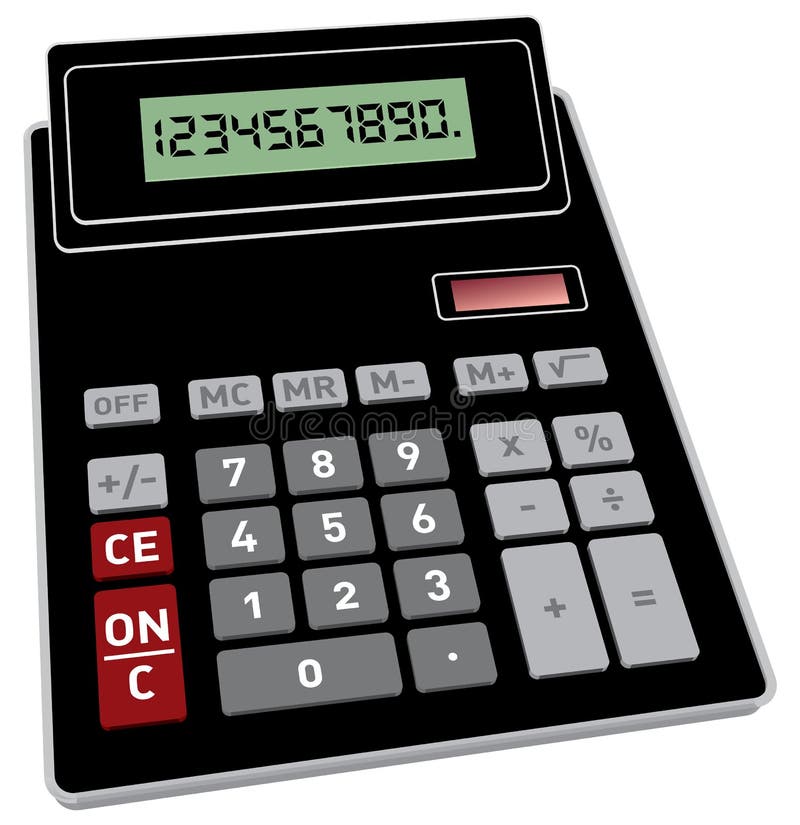
Free with trial Basic calculator in 3D. Vector illustration of basic black calculator with 3D perspective. Basic digits vectors Basic calculator in 3D. Vector illustration of basic black calculator with 3D perspective
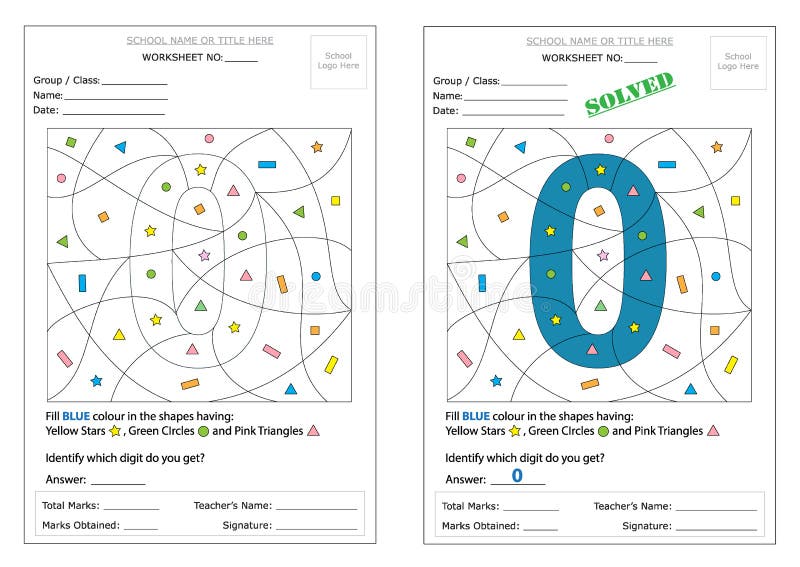
Free with trial Montessori Worksheet: Fill the defined shapes with colour & identify the hidden digit. Includes learning of basic shapes & digits. Ready to print worksheet and can be edited as required. Basic digits vectors Worksheet - Identify Digit. Montessori Worksheet: Fill the defined shapes with colour & identify the hidden digit. Includes learning of basic shapes & digits. Montessori Worksheet: Fill the defined shapes with colour & identify the hidden digit. Includes learning of basic shapes & digits. Ready to print worksheet and can be edited as required.
Free with trial Vector colorful cubes with basic digits isolated on white background. Basic digits vectors Colorful cubes digits. Vector colorful cubes with basic digits isolated on white background. Vector colorful cubes with basic digits isolated on white background.
Free with trial Basic numbers cartoon characters set. Educational Cartoon Vector Illustrations of Colorful Funny Basic Numbers Set. Basic digits vectors Basic numbers cartoon characters set. Educational Cartoon Vector Illustrations of Colorful Funny Basic Numbers Set
Free with trial Basic numbers cartoon characters group. Educational Cartoon Vector Illustrations of Funny Colorful Basic Numbers Characters Group. Basic digits vectors Basic numbers cartoon characters group. Educational Cartoon Vector Illustrations of Funny Colorful Basic Numbers Characters Group
Free with trial Happy basic numbers cartoon characters. Educational Cartoon Vector Illustrations of Happy Basic Numbers Characters Group. Basic digits vectors Happy basic numbers cartoon characters. Educational Cartoon Vector Illustrations of Happy Basic Numbers Characters Group
Free with trial Basic numbers cartoon funny characters group. Educational Vector Cartoon Illustrations of Funny Basic Numbers Characters Group. Basic digits vectors Basic numbers cartoon funny characters group. Educational Vector Cartoon Illustrations of Funny Basic Numbers Characters Group
Free with trial Basic calculator and digits. Basic calculator with zero number and set of digits isolated on white. Flat design. EPS 8 vector illustration, no transparency. Basic digits vectors Basic calculator and digits. Basic calculator with zero number and set of digits isolated on white. Flat design. EPS 8 vector illustration, no transparency
Free with trial Basic calculator front view. Vector illustration of basic black calculator with front view. Basic digits vectors Basic calculator front view. Vector illustration of basic black calculator with front view
Free with trial Cartoon basic numbers group coloring book. Black and White Educational Cartoon Illustrations of Basic Numbers Characters Group Coloring Book. Basic digits vectors Cartoon basic numbers group coloring book. Black and White Educational Cartoon Illustrations of Basic Numbers Characters Group Coloring Book
Free with trial Alphabet digit blocks. 3d render of alphabet digits number blocks on white background. Basic digits illustrations Alphabet digit blocks. 3d render of alphabet digits number blocks on white background
Free with trial Cyrillic hand drawn sketchy alphabet with letters, digits and special typographic signs. Simple sketchy letters with round edges. Basic digits vectors Russian vector alphabet. Cyrillic hand drawn sketchy alphabet with letters, digits and special typographic signs. Simple sketchy letters with round edges. Cyrillic hand drawn sketchy alphabet with letters, digits and special typographic signs. Simple sketchy letters with round edges.
Free with trial Simple number line from 0 to 10. Ideal for educational resources, teaching basic counting and number recognition to young children. The clear, bold numbers and red lines make it easy to read and understand. Suitable for use in classrooms, worksheets, or educational materials. Basic digits vectors Number Line 0-10. Simple number line from 0 to 10. Ideal for educational resources, teaching basic counting and number recognition to young children. The clear. Simple number line from 0 to 10. Ideal for educational resources, teaching basic counting and number recognition to young children. The clear, bold numbers and red lines make it easy to read and understand. Suitable for use in classrooms, worksheets, or educational materials.
Free with trial Sand numbers. The inscription of handwritten numbers and math signs on wet beach sand. Basic digits illustrations Sand numbers. The inscription of handwritten numbers and math signs on wet beach sand
Free with trial Digital storage. Folder icon over blue binary background. Basic digits illustrations Digital storage. Folder icon over blue binary background
Free with trial Digital security. Padlock icon over blue binary background. Basic digits illustrations Digital security. Padlock icon over blue binary background
Free with trial Idea concept. Bulb icon over blue binary background. Basic digits illustrations Idea concept. Bulb icon over blue binary background
Free with trial Search system. Magnifier inside folder icon over blue binary background. Basic digits illustrations Search system. Magnifier inside folder icon over blue binary background
Free with trial Digital protection. Rounded padlock icon over blue binary background. Basic digits illustrations Digital protection. Rounded padlock icon over blue binary background
Free with trial Virus bug found. A 2 among 0s and 1s a metaphor for infection or dysfunction of software. Basic digits vectors Virus bug found. A 2 among 0s and 1s a metaphor for infection or dysfunction of software
Free with trial Rise of online business. Graph with rising arrow icon over blue binary background. Basic digits illustrations Rise of online business. Graph with rising arrow icon over blue binary background
Free with trial Digital protection. Umbrella icon over blue binary background. Basic digits illustrations Digital protection. Umbrella icon over blue binary background
Free with trial Black background tile with binary look and feel but no 0's and 1's ;-). Basic digits illustrations Binary blue diagonal background. Black background tile with binary look and feel but no 0's and 1's. Black background tile with binary look and feel but no 0's and 1's ;-)
Free with trial Search engine. Magnifier icon over blue binary background. Basic digits illustrations Search engine. Magnifier icon over blue binary background
Free with trial Numbers blocks. Numbers colorful blocks on a white background. Basic digits illustrations Numbers blocks. Numbers colorful blocks on a white background
Free with trial Chalkboard: 2+2=4. 2+2=4 handwritten with white chalk on a chalkboard. Basic digits illustrations Chalkboard: 2+2=4. 2+2=4 handwritten with white chalk on a chalkboard. 2+2=4 handwritten with white chalk on a chalkboard
Free with trial Yellow lighted binary code numbers on black. Background. Basic digits illustrations Yellow lighted binary code numbers on black. Background
Free with trial White empty flow-chart on blue. Basic digits illustrations Empty flow chart. White empty flow-chart on blue. White empty flow-chart on blue.
Free with trial Composite image of computer applications. Computer applications against lines of blue blurred letters falling. Basic digits illustrations Composite image of computer applications. Computer applications against lines of blue blurred letters falling
Free with trial Fun Butterfly cartoon character with level. 3d rendered illustration of Butterfly cartoon character with level. Basic digits illustrations Fun Butterfly cartoon character with level. 3d rendered illustration of Butterfly cartoon character with level
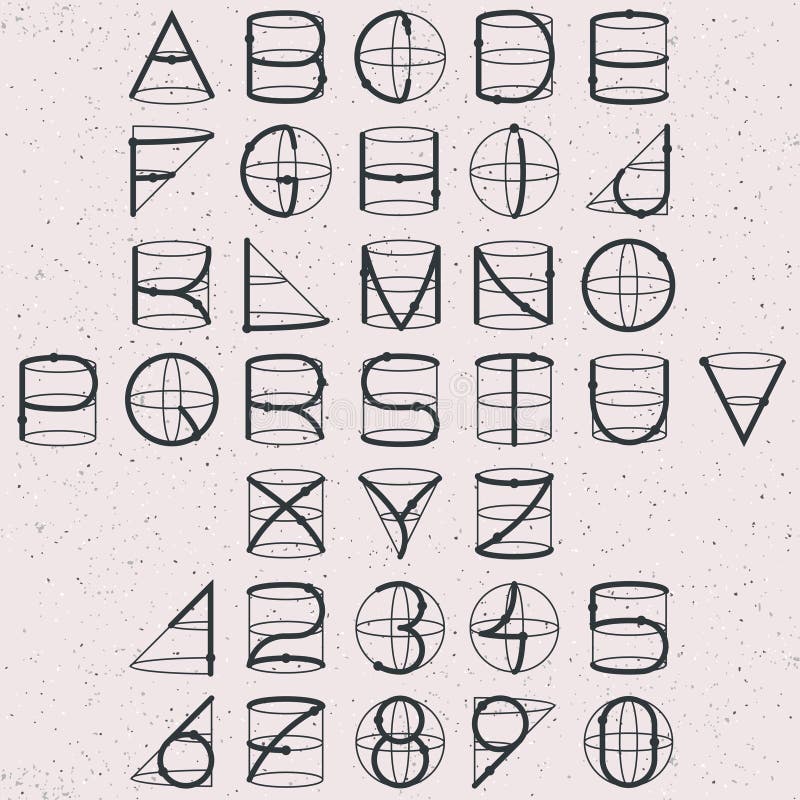
Free with trial Multifunction uses can be implemented because shapes are just grouped and overlapping. The background is grouped and can be removed, the thin stroke shapes can also be deleted so that only the characters remain. Basic digits vectors Thin lined font based on basic 3D shapes. Multifunction uses can be implemented because shapes are just grouped and overlapping. The background is grouped and. Multifunction uses can be implemented because shapes are just grouped and overlapping. The background is grouped and can be removed, the thin stroke shapes can also be deleted so that only the characters remain.
Free with trial Abstract old book with binary code background. Basic digits illustrations Book and code. Abstract old book with binary code background. Abstract old book with binary code background.
Free with trial Online Education Concept. Modern Laptop with 123 toy cubes. On a white background. Basic digits illustrations Online Education Concept. Modern Laptop with 123 toy cubes. On a white background
Free with trial Multicolour cubes as stand with 123 Numbers. On a white background. Basic digits illustrations Multicolour cubes as stand with 123 Numbers. On a white background
Free with trial Multicolour cubes as stand with 123 Numbers. On a white background. Basic digits illustrations Multicolour cubes as stand with 123 Numbers. On a white background
Free with trial Cow cartoon character with level. 3d rendered illustration of Cow cartoon character with level. Basic digits illustrations Cow cartoon character with level. 3d rendered illustration of Cow cartoon character with level
Free with trial Donkey cartoon character with level. 3d rendered illustration of Donkey cartoon character with level. Basic digits illustrations Donkey cartoon character with level. 3d rendered illustration of Donkey cartoon character with level
Free with trial Cute Deer cartoon character with level. 3d rendered illustration of Deer cartoon character with level. Basic digits illustrations Cute Deer cartoon character with level. 3d rendered illustration of Deer cartoon character with level
Free with trial Cute Deer cartoon character with level. 3d rendered illustration of Deer cartoon character with level. Basic digits illustrations Cute Deer cartoon character with level. 3d rendered illustration of Deer cartoon character with level
Free with trial Fun Polar bear cartoon character with level. 3d rendered illustration of Polar bear cartoon character with level. Basic digits illustrations Fun Polar bear cartoon character with level. 3d rendered illustration of Polar bear cartoon character with level
Free with trial Fun Polar bear cartoon character with level. 3d rendered illustration of Polar bear cartoon character with level. Basic digits illustrations Fun Polar bear cartoon character with level. 3d rendered illustration of Polar bear cartoon character with level
Free with trial Fun Polar bear cartoon character with level. 3d rendered illustration of Polar bear cartoon character with level. Basic digits illustrations Fun Polar bear cartoon character with level. 3d rendered illustration of Polar bear cartoon character with level
Free with trial Cute Gorilla cartoon character with level sign. 3d rendered illustration of Gorilla cartoon character with level sign. Basic digits illustrations Cute Gorilla cartoon character with level sign. 3d rendered illustration of Gorilla cartoon character with level sign
Free with trial Cow cartoon character with level. 3d rendered illustration of Cow cartoon character with level. Basic digits illustrations Cow cartoon character with level. 3d rendered illustration of Cow cartoon character with level
Free with trial 45 seconds icon. Vector illustration decorative design. Basic digits vectors 45 seconds icon. Vector illustration decorative design
Free with trial Am to pm concept. Vector illustration decorative design. Basic digits vectors Am to pm concept. Vector illustration decorative design
Free with trial Collection of time icons. Vector illustration decorative design. Basic digits vectors Collection of time icons. Vector illustration decorative design
Free with trial Time lapse icon. Vector illustration decorative design. Basic digits vectors Time lapse icon. Vector illustration decorative design
Free with trial Clock with arrow. Vector illustration decorative design. Basic digits vectors Clock with arrow. Vector illustration decorative design
Free with trial Clock rotating arrow vector illustration. Vector illustration decorative design. Basic digits vectors Clock rotating arrow vector illustration. Vector illustration decorative design
Free with trial Fun Crow cartoon character with level. 3d rendered illustration of Crow cartoon character with level. Basic digits illustrations Fun Crow cartoon character with level. 3d rendered illustration of Crow cartoon character with level
Free with trial Simple colorful universal calendar for 2018. vector. Basic digits vectors Simple colorful universal calendar for 2018. Vector
Free with trial A portable electronic calculator with a rectangular design featuring a solar panel at the top for power. The display area shows the number "0". The keypad includes numerical digits, basic operations (addition, subtraction, multiplication, division), and function keys like memory recall and clear. The casing is metallic gray, and the buttons are a combination of light gray, dark gray, and one red button for the "clear" function. The calculator is designed for basic arithmetic operations. Basic digits illustrations Includes numerical digits, basic operations (addition, subtraction, jjjj. A portable electronic calculator with a rectangular design featuring a solar panel at. A portable electronic calculator with a rectangular design featuring a solar panel at the top for power. The display area shows the number "0". The keypad includes numerical digits, basic operations (addition, subtraction, multiplication, division), and function keys like memory recall and clear. The casing is metallic gray, and the buttons are a combination of light gray, dark gray, and one red button for the "clear" function. The calculator is designed for basic arithmetic operations.
Free with trial Basic calculator with set of digits. Electronic digital device for mathematical calculations. Vector illustration digital simple technology isolated on white background. Basic digits vectors Basic calculator with set of digits, electronic digital device for mathematical calculations vector illustration. Basic calculator with set of digits. Electronic. Basic calculator with set of digits. Electronic digital device for mathematical calculations. Vector illustration digital simple technology isolated on white background
Free with trial A basic electronic calculator with a rectangular shape and a digital display showing "8008. " The calculator features a black and white casing, with buttons including numerical digits, mathematical functions, and memory keys. Standout buttons include a red "AS" button and a purple "M+" button. The display screen is located at the top, bordered by a black panel. The calculator is designed for general arithmetic use, featuring photovoltaic cells for solar power. Basic digits illustrations A basic electronic calculator with a rectangular shape and a digital display showing \'8008.\'. A basic electronic calculator with a rectangular shape and a. A basic electronic calculator with a rectangular shape and a digital display showing "8008." The calculator features a black and white casing, with buttons including numerical digits, mathematical functions, and memory keys. Standout buttons include a red "AS" button and a purple "M+" button. The display screen is located at the top, bordered by a black panel. The calculator is designed for general arithmetic use, featuring photovoltaic cells for solar power.
Free with trial Illustration of a basic calculator with a rectangular shape. Features include a digital display screen at the top, bordered by thin lines. Below are four rows, each containing round buttons. Symbols include numerical digits (0-9) and mathematical operations like addition, subtraction, multiplication, division, and percentage. Additional functions like memory recall (MRC), memory addition (M+), and memory subtraction (M-) are present. Simple, monochromatic outline for clarity and design simplicity. Basic digits illustrations Digits (0-9) and mathematical operations like addition, subtracti. Illustration of a basic calculator with a rectangular shape. Features include a digital. Illustration of a basic calculator with a rectangular shape. Features include a digital display screen at the top, bordered by thin lines. Below are four rows, each containing round buttons. Symbols include numerical digits (0-9) and mathematical operations like addition, subtraction, multiplication, division, and percentage. Additional functions like memory recall (MRC), memory addition (M+), and memory subtraction (M-) are present. Simple, monochromatic outline for clarity and design simplicity.
Free with trial Basic calculator with a solar panel at the top, gray plastic body, and rubberized buttons. Features common functions including addition, subtraction, multiplication, and division. The display shows the numbers "12345. " The buttons are organized in a grid, with digits 0-9, arithmetic operations, and commands like clear and percentage. The equals button is highlighted in red. The overall design is compact and functional, suitable for everyday calculations. Basic digits illustrations Basic calculator with a solar panel at the top, gray plastic. Body, and rubberized buttons. Features common functions including addition, subtraction. Basic calculator with a solar panel at the top, gray plastic body, and rubberized buttons. Features common functions including addition, subtraction, multiplication, and division. The display shows the numbers "12345." The buttons are organized in a grid, with digits 0-9, arithmetic operations, and commands like clear and percentage. The equals button is highlighted in red. The overall design is compact and functional, suitable for everyday calculations.
Free with trial Battery-operated calculator with a digital display showing the number "123. " The calculator has a rectangular shape with a gray body and black numeric buttons arranged in a grid. Basic arithmetic function buttons are included, along with a "CLEAR" button. The display is on the upper part, with digits in a segmented, digital style. The background is a flat, light blue color. Basic digits illustrations The display is on the upper part, with digits in a segmented,. Battery-operated calculator with a digital display showing the number '123.' The calculator has a. Battery-operated calculator with a digital display showing the number "123." The calculator has a rectangular shape with a gray body and black numeric buttons arranged in a grid. Basic arithmetic function buttons are included, along with a "CLEAR" button. The display is on the upper part, with digits in a segmented, digital style. The background is a flat, light blue color.
Free with trial This image displays a vibrant educational illustration containing various geometric shapes such as circles, squares, triangles, and rectangles in multiple colors. It also includes pie charts, numerical digits from 0 to 9, and basic mathematical symbols like plus, minus, equals, and multiplication division signs. The illustration appears to be designed for teaching basic math, geometry, and. Basic digits illustrations Colorful educational illustration featuring shapes, numbers, and basic math symbols. This image displays a vibrant educational illustration containing various. This image displays a vibrant educational illustration containing various geometric shapes such as circles, squares, triangles, and rectangles in multiple colors. It also includes pie charts, numerical digits from 0 to 9, and basic mathematical symbols like plus, minus, equals, and multiplication division signs. The illustration appears to be designed for teaching basic math, geometry, and
Free with trial Electronic calculator with a rectangular design and rounded edges featuring a numeric display showing digits 123456. The keypad has black plastic buttons for numbers functions and operations like addition and subtraction contrasted against the white body. A solar panel for power is embedded above the display screen. The simple and compact design makes it a typical portable device for basic arithmetic calculations. Basic digits illustrations Simple and compact design makes it a typical portable device for basic. Electronic calculator with a rectangular design and rounded edges featuring a numeric. Electronic calculator with a rectangular design and rounded edges featuring a numeric display showing digits 123456. The keypad has black plastic buttons for numbers functions and operations like addition and subtraction contrasted against the white body. A solar panel for power is embedded above the display screen. The simple and compact design makes it a typical portable device for basic arithmetic calculations.
Free with trial Calculator featuring a basic electronic design. The device has a rectangular shape with a numeric keypad including digits 0-9 and basic arithmetic operation buttons such as addition, subtraction, multiplication, and division. A solar cell strip is located at the top, and a display screen shows the number "0. " The color scheme is primarily gray and white with a red button for specific functions. This type of calculator is commonly used for simple arithmetic tasks. Basic digits illustrations Has a rectangular shape with a numeric keypad including digits. Calculator featuring a basic electronic design. The device has a rectangular shape with a numeric. Calculator featuring a basic electronic design. The device has a rectangular shape with a numeric keypad including digits 0-9 and basic arithmetic operation buttons such as addition, subtraction, multiplication, and division. A solar cell strip is located at the top, and a display screen shows the number "0." The color scheme is primarily gray and white with a red button for specific functions. This type of calculator is commonly used for simple arithmetic tasks.
Free with trial Illustration of a stylized calculator with a blue background. The display shows colorful graphs including bar and pie charts. Numerical keypad includes standard digits, basic operational symbols, and function keys labeled "ORC," "MRL," "OT," and "MC. " The design presents a mix of classical calculator features with enhanced data visualization elements, emphasizing analytical capabilities. Basic digits illustrations Basic operational symbols, and function keys labeled ORC, MRL, OT, and. Illustration of a stylized calculator with a blue background. The display shows colorful. Illustration of a stylized calculator with a blue background. The display shows colorful graphs including bar and pie charts. Numerical keypad includes standard digits, basic operational symbols, and function keys labeled "ORC," "MRL," "OT," and "MC." The design presents a mix of classical calculator features with enhanced data visualization elements, emphasizing analytical capabilities.
Free with trial Line drawing of a basic calculator with large buttons and an angled display screen reading "0. " The keys include numerical digits, basic arithmetic operations, and additional functions such as M+, M-, and MRC. The calculator has a simple, functional design with rounded edges and a slightly tilted angle for ease of use. The image is rendered in black outlines on a white background, emphasizing clarity and simplicity. Basic digits illustrations Basic arithmetic operations, and additional functions such as M+,. Line drawing of a basic calculator with large buttons and an angled display screen reading '0. Line drawing of a basic calculator with large buttons and an angled display screen reading "0." The keys include numerical digits, basic arithmetic operations, and additional functions such as M+, M-, and MRC. The calculator has a simple, functional design with rounded edges and a slightly tilted angle for ease of use. The image is rendered in black outlines on a white background, emphasizing clarity and simplicity.
Free with trial A standard electronic calculator featuring a rectangular body with a black and white design. It includes a digital display at the top showing numerical digits. The keypad consists of black numeric and white function buttons, with a red key for percentage calculations. Additional functions such as memory recall and clear are also available. The calculator has a solar panel to supplement battery power, enhancing efficiency. The design is practical for basic arithmetic and financial calculations. Basic digits illustrations A standard electronic calculator featuring a rectangular body. With a black and white design. It includes a digital display at the top showing numerical digits. A standard electronic calculator featuring a rectangular body with a black and white design. It includes a digital display at the top showing numerical digits. The keypad consists of black numeric and white function buttons, with a red key for percentage calculations. Additional functions such as memory recall and clear are also available. The calculator has a solar panel to supplement battery power, enhancing efficiency. The design is practical for basic arithmetic and financial calculations.
Free with trial Electronic calculator featuring a dark blue and white casing with a solar power panel. The display shows "CIO. " The keypad includes standard numeric keys, arithmetic functions, and additional memory and function buttons. A distinct yellow button labeled "A€" is present, suggesting currency functionalities. Standard layout with clear white buttons for commands and black buttons for digits. Compact and functional design suitable for basic arithmetic tasks. Basic digits illustrations Electronic calculator featuring a dark blue and white casing. With a solar power panel. The display shows 'CIO.' The keypad includes standard numeric keys. Electronic calculator featuring a dark blue and white casing with a solar power panel. The display shows "CIO." The keypad includes standard numeric keys, arithmetic functions, and additional memory and function buttons. A distinct yellow button labeled "A€" is present, suggesting currency functionalities. Standard layout with clear white buttons for commands and black buttons for digits. Compact and functional design suitable for basic arithmetic tasks.
Free with trial The image depicts a gray desk calculator with a large display screen at the top. The calculator features a standard number pad with digits 0-9, as well as basic arithmetic operation buttons including addition, subtraction, multiplication, and division. The device is designed for simplicity and ease of use, making it ideal for basic mathematical calculations. Basic digits illustrations Gray desk calculator with large display. The image depicts a gray desk calculator with a large display screen at the top. The calculator features a standard. The image depicts a gray desk calculator with a large display screen at the top. The calculator features a standard number pad with digits 0-9, as well as basic arithmetic operation buttons including addition, subtraction, multiplication, and division. The device is designed for simplicity and ease of use, making it ideal for basic mathematical calculations.
Free with trial A blue desk calculator is shown with its display screen illuminated, showing the numbers 1234567890. The calculator has a standard layout with buttons for digits, basic arithmetic operations, and additional functions like memory recall and calculation modes. Basic digits illustrations Blue desk calculator displaying numbers isolated on white background. A blue desk calculator is shown with its display screen illuminated, showing the numbers. A blue desk calculator is shown with its display screen illuminated, showing the numbers 1234567890. The calculator has a standard layout with buttons for digits, basic arithmetic operations, and additional functions like memory recall and calculation modes
Free with trial The image depicts a simple digital-style font displaying the numbers zero to nine in two rows. The top row contains the digits 0, 1, 2, 3, and 4, while the bottom row contains the digits 5, 6, 7, 8, and 9. The numbers are presented in a clean, bold, and uniform style, resembling a basic digital or numeric keypad layout. Basic digits illustrations Black digital display showing numbers zero through nine arranged in two rows. The image depicts a simple digital-style font displaying the numbers zero to nine. The image depicts a simple digital-style font displaying the numbers zero to nine in two rows. The top row contains the digits 0, 1, 2, 3, and 4, while the bottom row contains the digits 5, 6, 7, 8, and 9. The numbers are presented in a clean, bold, and uniform style, resembling a basic digital or numeric keypad layout
Free with trial This illustration features a classic counting frame with rows of vibrant beads in red, yellow, green and blue. The central section displays numerical digits on a clean background, emphasizing a minimalist and educational design. The overall aesthetic is bright, clean and suitable for academic or child-focused learning materials. Basic digits vectors A colorful wooden abacus used for basic arithmetic and counting exercises. This illustration features a classic counting frame with rows of vibrant beads in red. This illustration features a classic counting frame with rows of vibrant beads in red, yellow, green and blue. The central section displays numerical digits on a clean background, emphasizing a minimalist and educational design. The overall aesthetic is bright, clean and suitable for academic or child-focused learning materials
Free with trial Colorful Plastic Numbers and Math Symbols Isolated on White Background, Basic Mathematics Education. And Learning Concept. Basic digits illustrations Colorful Plastic Numbers and Math Symbols Isolated on White Background, Basic Mathematics Education. And Learning Concept
Free with trial Teal colored '123' digits on a black background. Great for educational and counting resources. Basic digits vectors Teal 123 Digits on Black Background: Numerals, Counting, and Order. Teal colored '123' digits on a black background. Great for educational and counting resources. Teal colored '123' digits on a black background. Great for educational and counting resources.
Free with trial The image features a colorful calculator placed on a white background. The calculator has a purple body with a variety of brightly colored buttons in yellow, blue, green, and orange. The buttons are arranged in a standard layout with numerical digits, basic arithmetic operations, and other functional keys. Basic digits illustrations Colorful calculator on a white background. The image features a colorful calculator placed on a white background. The calculator has a purple body with a variety. The image features a colorful calculator placed on a white background. The calculator has a purple body with a variety of brightly colored buttons in yellow, blue, green, and orange. The buttons are arranged in a standard layout with numerical digits, basic arithmetic operations, and other functional keys
Free with trial Complete set of numerical digits from one to nine. Composing a simple and clear sequence. Ideal for educational or counting purposes. Presented in a classic. Bold typeface against a white background. Basic digits vectors Complete set of numerical digits from one to nine. Composing a simple and clear sequence. Ideal for educational or. Counting purposes. Presented in a classic. Complete set of numerical digits from one to nine. Composing a simple and clear sequence. Ideal for educational or counting purposes. Presented in a classic. Bold typeface against a white background
Free with trial Complete set of numerical digits from one to nine. Composing a simple and clear sequence. Ideal for educational or counting purposes. Presented in a classic. Bold typeface against a white background. Basic digits illustrations Complete set of numerical digits from one to nine. Composing a simple and clear sequence. Ideal for educational or. Counting purposes. Presented in a classic. Complete set of numerical digits from one to nine. Composing a simple and clear sequence. Ideal for educational or counting purposes. Presented in a classic. Bold typeface against a white background
Free with trial Minimal handwritten expression “2x2” on a white background. Simple mathematical symbol representing multiplication and basic. Education. Basic digits illustrations Minimal handwritten expression “2x2” on a white background. Simple mathematical symbol representing multiplication and basic. Education
Free with trial A colorful children's calculator with a digital screen displaying "780. " The buttons are in bright hues including red, blue, green, yellow, and purple, featuring numerical digits, basic mathematical operations, and memory functions. The operation buttons are distinct with orange and blue hues, while percentage and memory recall functions stand out with a unique design, suitable for educational purposes. The calculator has a rounded, gray casing providing a playful appearance. Basic digits illustrations A colorful children\'s calculator with a digital screen displaying \'780.\' The buttons. A colorful children's calculator with a digital screen displaying '780. A colorful children's calculator with a digital screen displaying "780." The buttons are in bright hues including red, blue, green, yellow, and purple, featuring numerical digits, basic mathematical operations, and memory functions. The operation buttons are distinct with orange and blue hues, while percentage and memory recall functions stand out with a unique design, suitable for educational purposes. The calculator has a rounded, gray casing providing a playful appearance.
Free with trial A close-up, overhead view of numerous colorful plastic numbers scattered randomly on a white surface. The digits are in various bright colors including red, blue, green, yellow, purple, and orange, representing numbers from 0 to 9. The playful arrangement suggests learning and early childhood education. Basic digits illustrations Colorful Plastic Numbers Scattered on a White Surface digits math. A close-up, overhead view of numerous colorful plastic numbers scattered randomly on a white. A close-up, overhead view of numerous colorful plastic numbers scattered randomly on a white surface. The digits are in various bright colors including red, blue, green, yellow, purple, and orange, representing numbers from 0 to 9. The playful arrangement suggests learning and early childhood education
 Sign in