Distinct Browser Window Elements Illustrations & Vectors

Only a few matches for distinct browser window elements. Also displaying results for

Browse through 73 distinct browser window elements illustrations & vectors or explore more web page or content area vectors to complete your project with stunning visuals.
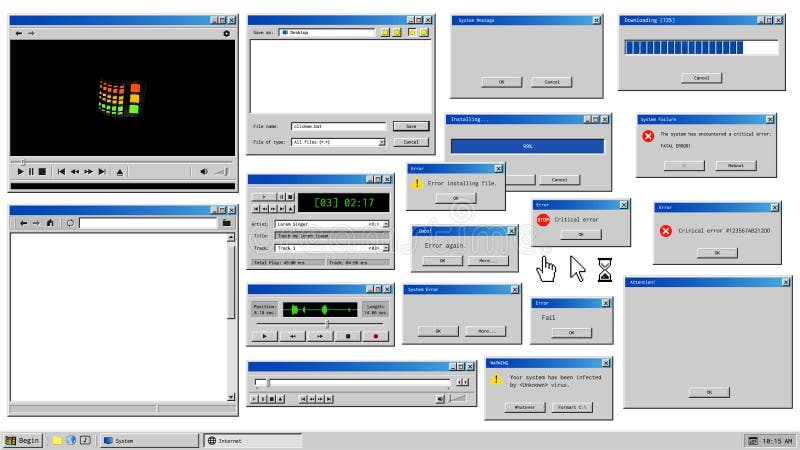
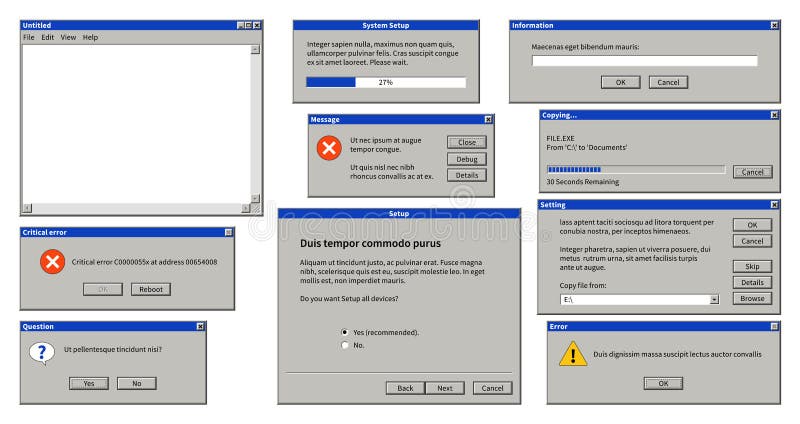
Old user interface. Retro browser windows and error message popup. Mockup of vintage multi media player, voice recorder and dialog box with system information. Pixelated computer mouse icons. Distinct browser window elements vectors
A 3D rendered illustration depicts a stylized web browser window against a solid blue background. The browser features a blue frame, a white title bar with red, yellow, and green circular buttons, and a content area. Within the content area, there are three distinct rectangular elements: two smaller ones in red and orange on the left, and a larger yellow one on the right. A blue cursor arrow is. Distinct browser window elements illustrations
Five stylized icons representing different website layouts. Each icon resembles a browser window with various elements: images, text blocks, and buttons. The icons vary in color, featuring gradients of blue, orange, pink, and black. Each window has a distinct layout, showcasing combinations of images and text. The simplistic design uses bold lines for a modern and minimalistic look. Distinct browser window elements illustrations
Colorful browser window mockup layout with blank web page template design for website interface planning Displaying colorful interface elements with distinct header and content areas on pastel background. Distinct browser window elements illustrations
A 3D render depicts a stylized, floating web browser window against a solid blue background. The window features a blue frame, a white content area, and three colorful buttons (red, yellow, green) at the top left, resembling typical browser controls. Inside the window, there are two distinct rectangular elements: a vertical orange bar on the left and a larger yellow rectangle on the right. A blue. Distinct browser window elements illustrations
A 3D render of a stylized browser window against a solid blue background. The window features a blue top bar with red, yellow, and green circular buttons, and a white rectangular search bar. Below, there are two distinct content areas: one orange square and one yellow square. A blue mouse cursor is positioned over the yellow square, indicating an interaction or selection. The overall aesthetic is. Distinct browser window elements illustrations
"Create an image with a peach-colored background featuring a subtle, semi-transparent white watermark pattern of small icons and text. At the center, prominently display a stylized illustration of a web browser window with a light gray background and a white header bar containing three small colored dots. Overlapping the browser window, arrange five white rectangular text boxes with rounded corners, each containing a distinct icon and placeholder text: a 5-star rating symbol in the top-left, a user profile icon in the bottom-left, a red speech bubble with three white dots in the bottom-right, a red location pin in the top-right, and a large black code symbol in the center. The text boxes should have a subtle bright effect and vary in position, as if floating around the browser window. The overall mood of the image should be modern, tech-savvy, and informative, with a clean and minimalist aesthetic. The color palette should feature a dominant peach tone, accented with light gray, white, black, and pops of red and yellow. The composition should be balanced, with a clear focal point at the center, and the lighting should be soft and even, with no harsh brights. ". Distinct browser window elements vectors
This image showcases three different black-and-white wireframe layouts for web pages, illustrating various UI UX design concepts. Each browser-like window presents a unique arrangement of content blocks, text lines, and image placeholders, suitable for demonstrating website structure, user interface planning, and early-stage design prototyping for digital products and services. Distinct browser window elements vectors
This image displays a clean and modern flat vector illustration featuring a digital planning dashboard with a prominent calendar icon containing colorful date squares, a blue payment card symbol, a simplified browser window interface with three distinct content blocks, and a gear icon representing system settings, all arranged against a soft light green background shape with subtle decorative geometric accents that evoke a sense of efficient online scheduling. Distinct browser window elements vectors
A clean and modern 3D rendering of a minimalist chat window or application interface, set against a soft, light beige background. The browser-like frame displays three distinct, pastel-colored message bubbles: cream, pink, and blue, each featuring subtle 3D depth and rounded edges. These stylized chat elements, complete with placeholder user icons and text lines, convey concepts of online communication, digital interaction, customer support, and social networking. Ideal for illustrating technology, UI UX design, instant messaging, or virtual dialogue in a contemporary and friendly manner. Distinct browser window elements illustrations
Digital graphic representation of a browser window containing a layout template with distinct purple orange and white content areas on a textured blue background for web design applications. Distinct browser window elements illustrations
A stylized representation of a website's user interface, featuring a browser window with distinct content areas, including a highlighted red box, suggesting interactive elements or calls to action. Distinct browser window elements vectors
The image depicts three wireframe browser windows side by side, each with a distinct design and color scheme. The first window is outlined in black and white, the second is filled with black and white lines, and the third is colored pink with a blue top bar and multicolored squares representing images or graphs. Distinct browser window elements illustrations
A Retro 90s Browser UI Element is a collection of design elements inspired by the early days of the internet, reflecting the distinct style of web browsers from the 1990s. This set captures the primitive yet iconic look of websites from that era, with elements that evoke nostalgia for dial-up connections, early web design trends, and the simplicity of the internet's infancy. Distinct browser window elements vectors
The image features a set of nine UI icons, each with a distinct design and purpose. The icons include various shapes and symbols commonly used in user interface design, such as browser windows, grid layouts, and other interface elements. The icons are black and white, designed in a minimalist style. The background of the image is a solid white color, indicating that the image is a high-resolution. Distinct browser window elements illustrations
A collection of three distinct digital interface frames designed with a futuristic, technological aesthetic. The set includes two rectangular browser-style windows with integrated data visualization elements like charts and graphs, and one hexagonal frame featuring a circuit board pattern. These vector-style graphics are isolated on a white background, making them ideal for UI UX design projects, web development presentations, software interface mockups, or as decorative elements for tech-themed digital content. The clean lines and blue-toned color palette convey a sense of modern innovation, data processing, and advanced computing environments. Distinct browser window elements vectors
Retro computer screen design with divided content sections for digital presentations Clean interface layout features distinct areas for media and text elements Ideal for website design mockups 30 tags provided. Distinct browser window elements illustrations
This image depicts a stylized wireframe or mockup of a website layout. It features a browser window with typical elements like a URL bar and navigation buttons. Inside, various sections are outlined, including a header area with placeholders for images and text, a navigation bar with distinct buttons, and content blocks arranged in a grid. The design uses a simple blue and white color scheme with. Distinct browser window elements illustrations
Several colorful isometric icons representing modern technology, artificial intelligence, robotics, data analysis, and cyber systems are arranged neatly on a clean white background, showcasing glowing blue, purple, and green hues with a distinct three dimensional perspective and clean digital line art style. Distinct browser window elements illustrations
This graphic illustrates key elements of business strategy through a collection of clean, modern icons. The top banner clearly states 'BUSINESS STRATEGY'. Below, a grid displays twelve distinct icons, each representing a core concept. These include a chess rook on a clipboard, a dartboard with an arrow, a user profile in a browser window, a network of people, a standalone chess rook, puzzle pieces, a magnifying glass, a rocket ship, a target with a person icon, a lightbulb with a gear, a handshake, and a flowchart. This visual aid is ideal for presentations, articles, or websites discussing business planning, goal setting, teamwork, innovation, and growth. Distinct browser window elements vectors
Y2K neon pixel browser window panels interface, retro icons and elements. Vibrant neon green UI kit with black outlined media players, error dialogs and dropdown menus for retro website design. Distinct browser window elements vectors
Y2K computer retro browser window panels interface with pixel icons and symbols. Pink computer interface kit with star rating box, chat bubbles and music waveform display for retro website design. Distinct browser window elements vectors
Y2k retro browser window page with computer icons at pink grid background. Vector set of pop-up windows and screens with playful messages and nostalgic elements like stars, hearts and smile faces. Distinct browser window elements vectors
3d Illustration of a single internet browser window, isolated on a white background. Part of a series of browser window, and internet concept images. Distinct browser window elements illustrations
A sleek silhouette-style MySQL logo displayed inside a minimal browser window, isolated on a clean white background, perfect for tech and database-related projects. Distinct browser window elements vectors
Email marketing campaign vector illustration, flat cartoon laptop computer screen with browser window and email newsletter conversion to money flow, income from e-mail campaign. Distinct browser window elements vectors
Minimalist silhouette of a browser window with address bar and tab, isolated on white background. Clean, modern flat icon design perfect for web or app themes. Distinct browser window elements vectors
Youtube. Vector browser window with video player web site mock up. User Comments. Media Player template. Video player Interface. Mock up you tube on empty background. Vector template EPS10. Distinct browser window elements vectors
Isolated black silhouette of a browser window displaying the WWW text, set against a white background. Perfect for web, tech, and internet-related designs. Distinct browser window elements vectors