Free with trial Example blue square isolated button. Example blue 3d realistic square isolated button. Example button vectors Example blue square isolated button. Example blue 3d realistic square isolated button
Free with trial A white pin back button and a blank white button. Are shown on a white background. Example button illustrations A white pin back button and a blank white button. Are shown on a white background
Free with trial Example red square 3d realistic web button. Example button vectors Example red square 3d realistic web button
Free with trial Handout, Chemistry pipette and Message icons simple set. Button with halftone dots. Surprise sign. Documents example, Laboratory, Speech bubble. Present with bow. Business set. Vector. Example button vectors Handout, Chemistry pipette and Message icons set. Surprise sign. Documents example, Laboratory, Speech bubble. Vector. Handout, Chemistry pipette and Message. Handout, Chemistry pipette and Message icons simple set. Button with halftone dots. Surprise sign. Documents example, Laboratory, Speech bubble. Present with bow. Business set. Vector
Free with trial Example stamp. Isolated on white. Example button illustrations Example stamp. Isolated on white
Free with trial Example seal badge. example label sticker. Vector sign. Example button vectors Example seal badge. example label sticker. Vector sign. Example label sticker. Vector sign. example seal badge
Free with trial Example red stamp text. On white. Example button vectors Example red stamp text. On white
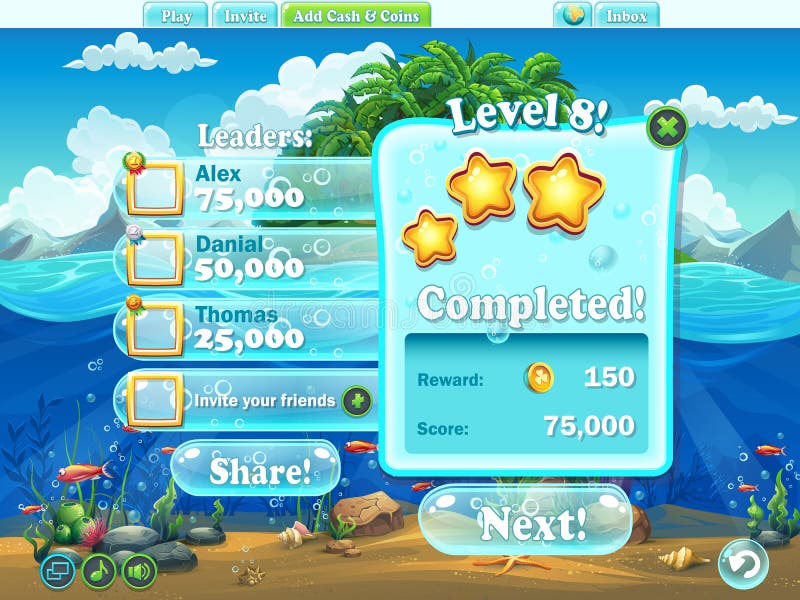
Free with trial Fish world - Example of window level completion for a computer g. Ame in cartoon style. Example button vectors Fish world - Example of window level completion for a computer g. Ame in cartoon style
Free with trial Set of example of wooden board user interface of game. Window of level choice, shop, skills, choice character, setting and victory. Vector illustration. Example button vectors Set of example of wooden board user interface of game. Window of level choice, shop, skills, choice character, setting and victory. Vector illustration
Free with trial Example seal badge. example label sticker. Vector sign. Example button vectors Example seal badge. example label sticker. Vector sign. Example label sticker. Vector sign. example seal badge
Free with trial An example of one of the screens of the computer game with a loading background bedroom princess, user interface and various. Element. Set 3. Example button vectors An example of one of the screens of the computer game with a loading background bedroom princess, user interface and various. Element. Set 3
Free with trial Example of business 3D design graph. Infographics chart. Example button vectors Example of business 3D design graph. Infographics chart
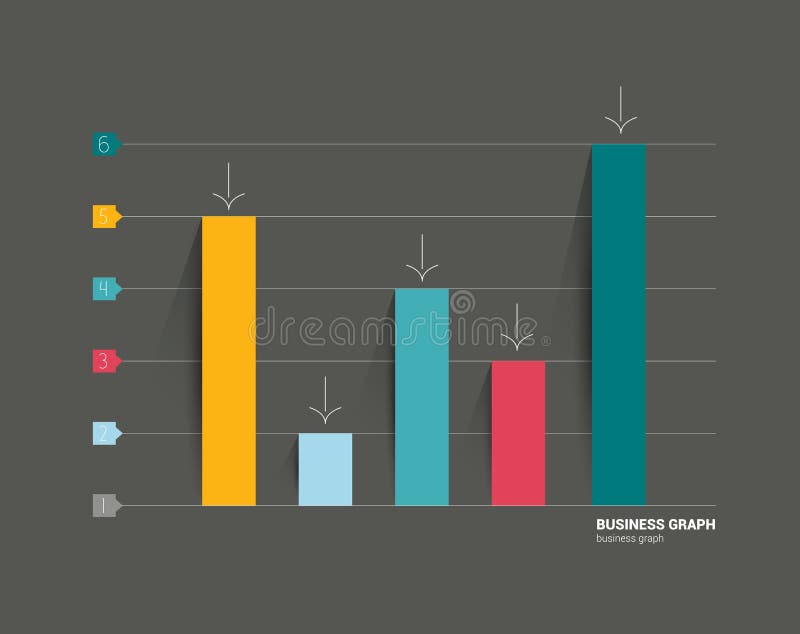
Free with trial Example of business flat design graph on black background. Infographics chart. Example button vectors Example of business flat design graph on black background. Infographics chart
Free with trial Example seal badge. example label sticker. Vector sign. Example button vectors Example seal badge. example label sticker. Vector sign. Example label sticker. Vector sign. example seal badge
Free with trial Try It green push button. Try It! green push button isolated on white background. Example button illustrations Try It green push button. Try It! green push button isolated on white background
Free with trial Media player white round push button template. Vector illustration. Example button vectors Media player white push button. Media player white round push button template. Vector illustration. Media player white round push button template. Vector illustration.
Free with trial Example red tag. Example red square price tag. Example button vectors Example red tag. Example red square price tag
Free with trial Lead by example seal badge. lead by example label sticker. Vector sign. Example button vectors Lead by example seal badge. lead by example label sticker. Vector sign. Lead by example label sticker. Vector sign. lead by example seal badge
Free with trial Standards floral plants pattern green hexagon button. Standards Isolated on floral plants pattern green hexagon button. Example button illustrations Standards floral plants pattern green hexagon button. Standards Isolated on floral plants pattern green hexagon button
Free with trial Example speech bubble. example sign. example. Example button vectors Example speech bubble. Example sign. example
Free with trial Button radio interface icon set element illustration internet symbol website digital vector glossy sign background circle style. Web. Example button vectors Button radio interface icon set element illustration internet symbol website digital vector glossy sign background circle style. Web
Free with trial Lead by example seal badge. lead by example label sticker. Vector sign. Example button vectors Lead by example seal badge. lead by example label sticker. Vector sign. Lead by example label sticker. Vector sign. lead by example seal badge
Free with trial Bullet numbers. Infographic points for button. Circle with arrow markers. Infograph icon of steps from 1 to 20. List of colorful gradient pointers for promotion business and graphic interface. Vector. Example button vectors Bullet numbers. Infographic points for button. Circle with arrow markers. Infograph icon of steps from 1 to 20. List of colorful. Gradient pointers for. Bullet numbers. Infographic points for button. Circle with arrow markers. Infograph icon of steps from 1 to 20. List of colorful gradient pointers for promotion business and graphic interface. Vector
Free with trial Templates of black and white vector horizontal web banners with arrows and a place for a photo. Minimalist design. Set. Blurred image for example. Example button vectors Templates of black and white vector horizontal web banners with arrows and a place for a photo. Minimalist design. Set. Blurred image for example
Free with trial The door lock with the inscription is open and closed. Swivel door handle. Example of sign for establishment, bar, store. Example button vectors Door lock with the inscription is open and closed. Swivel door handle. Example of sign for establishment, bar, store. The door lock with the inscription is open. The door lock with the inscription is open and closed. Swivel door handle. Example of sign for establishment, bar, store.
Free with trial Lead by example seal badge. lead by example label sticker. Vector sign. Example button vectors Lead by example seal badge. lead by example label sticker. Vector sign. Lead by example label sticker. Vector sign. lead by example seal badge
Free with trial Smart refrigerator concept. The screen on the door displaying push information, for example no ketchup, user can buy online just touch button on the door. 3D rendering image. Example button illustrations Smart refrigerator concept. The screen on the door displaying push information, for example no ketchup, user can buy online just touch button on the door. 3D
Free with trial Badge icon. Set,whit example content. Example button vectors Badge icon. Set,whit example content
Free with trial Examples tag banner. Examples 3d rendered blue tag banner , isolated on white background. Example button illustrations Examples tag banner. Examples 3d rendered blue tag banner , isolated on white background
Free with trial Example sign. example yellow sticker isolated on transparent background. Example button vectors Example sign. example yellow sticker isolated on transparent background. Example yellow sticker isolated on transparent background. example sign
Free with trial Sample stamp. Illustration of sample grunge stamp. Example button illustrations Sample stamp. Illustration of sample grunge stamp
Free with trial Doll-girl in a red dress. Example button illustrations Doll. Girl in a red dress. Doll-girl in a red dress
Free with trial Divan. Red tom-cat is lying on the violet divan. Example button illustrations Divan. Red tom-cat is lying on the violet divan
Free with trial Lead by example yellow sticker isolated on transparent background. lead by example sign. Example button vectors Lead by example sign. lead by example yellow sticker isolated on transparent background. Lead by example yellow sticker isolated on transparent background. lead. lead by example yellow sticker isolated on transparent background. lead by example sign
Free with trial Nce vector glossy cloud for some text. For example you can use it for some dialog boxes. Example button vectors Vector glossy cloud for text. Nce vector glossy cloud for some text. For example you can use it for some dialog boxes. Nce vector glossy cloud for some text. For example you can use it for some dialog boxes.
Free with trial Web buttons future look. Vector illustration of shiny futuristic web buttons with download wnd free example. Example button vectors Web buttons future look. Vector illustration of shiny futuristic web buttons with download wnd free example
Free with trial Best price label for promotion. Label to promote the excellent example of his shop. Example button illustrations Best price label for promotion. Label to promote the excellent example of his shop
Free with trial Handout line icon. Neumorphic, Flat shadow, 3d buttons. Documents example sign. Line handout icon. Social media icons. Vector. Example button vectors Handout line icon. Documents example sign. Neumorphic buttons. Vector. Handout line icon. Neumorphic, Flat shadow, 3d buttons. Documents example sign. Line. Handout line icon. Neumorphic, Flat shadow, 3d buttons. Documents example sign. Line handout icon. Social media icons. Vector
Free with trial Icon set. Collection of images for blue buttons or icons, including selected and nonselected (by mouse for example) versions. Example button vectors Icon set. Collection of images for blue buttons or icons, including selected and nonselected (by mouse for example) versions
Free with trial Sample stamp. Isolated on white. Example button illustrations Sample stamp. Isolated on white
Free with trial Sample red stamp text. On white. Example button vectors Sample red stamp text. On white
Free with trial A digital illustration featuring a purple circular button with a white plus sign in the center. Surrounding the button are concentric circles emitting neon blue and pink lines, radiating outward, creating a dynamic geometric pattern. The dark blue background enhances the vividness of the neon colors. Located at the bottom left is the text "vector EPS 10" in blue. This image is a vibrant example of modern digital art using glowing effects and sharp contrasts. Example button illustrations Illustration featuring a purple circular button with a white plus. A digital illustration featuring a purple circular button with a white plus sign in the center. A digital illustration featuring a purple circular button with a white plus sign in the center. Surrounding the button are concentric circles emitting neon blue and pink lines, radiating outward, creating a dynamic geometric pattern. The dark blue background enhances the vividness of the neon colors. Located at the bottom left is the text "vector EPS 10" in blue. This image is a vibrant example of modern digital art using glowing effects and sharp contrasts.
Free with trial Icon set. Collection of images for black buttons or icons, including selected and nonselected (by mouse for example) versions. Example button vectors Icon set. Collection of images for black buttons or icons, including selected and nonselected (by mouse for example) versions
Free with trial Banners in grey and blue colors. Serious banners in grey and blue colors useful for business website. Example button vectors Banners in grey and blue colors. Serious banners in grey and blue colors useful for business website
Free with trial 30 day free trial rubber stamp. 30 days free trial rubber stamp isolated on white background. Example button vectors 30 day free trial rubber stamp. 30 days free trial rubber stamp isolated on white background
Free with trial Example seal badge. example label sticker. Vector sign. Example button vectors Example seal badge. example label sticker. Vector sign. Example label sticker. Vector sign. example seal badge
Free with trial Free trial gold icon. Free trial golden badge icon on white background. Example button vectors Free trial gold icon. Free trial golden badge icon on white background
Free with trial 12 colorful text box infographic elements with 3d arrow number points and editable, transparent drop shadows on a subtle gradient background made in illustrator. Example button vectors Vector Box Set With Arrow Point Markers Number 1 to 12. 12 colorful text box infographic elements with 3d arrow number points and editable, transparent drop. 12 colorful text box infographic elements with 3d arrow number points and editable, transparent drop shadows on a subtle gradient background made in illustrator
Free with trial Simple speech bubble icons. Set of simple speech bubble icons on the dark blue background. Vector illustration. Example button vectors Simple speech bubble icons. Set of simple speech bubble icons on the dark blue background. Vector illustration
Free with trial Example seal badge. example label sticker. Vector sign. Example button vectors Example seal badge. example label sticker. Vector sign. Example label sticker. Vector sign. example seal badge
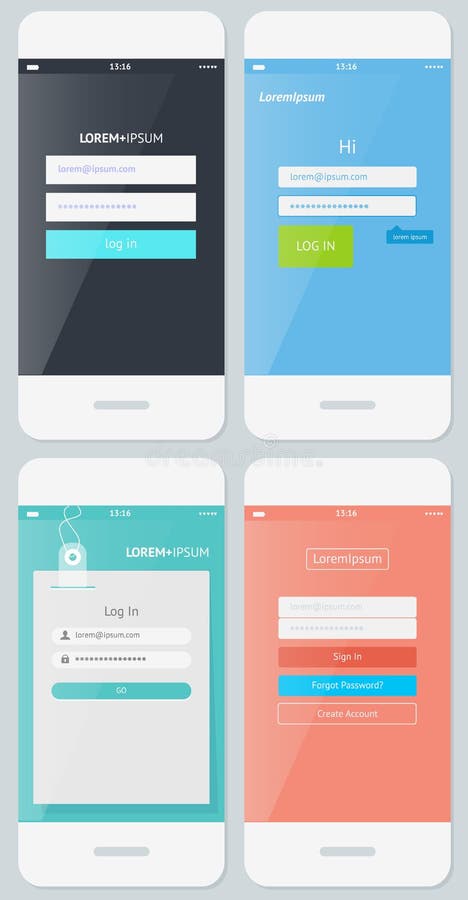
Free with trial Beautiful Examples of Login Forms for Apps. Beautiful Examples of Login Forms for Websites and Apps. Example button vectors Beautiful Examples of Login Forms for Apps. Beautiful Examples of Login Forms for Websites and Apps
Free with trial Free trial vector rubber stamp. Illustration. Example button vectors Free trial vector rubber stamp. Illustration
Free with trial Beautiful Examples of Login Forms for Websites and. Apps. Example button vectors Beautiful Examples of Login Forms for Websites and. Apps
Free with trial Lead by example seal badge. lead by example label sticker. Vector sign. Example button vectors Lead by example seal badge. lead by example label sticker. Vector sign. Lead by example label sticker. Vector sign. lead by example seal badge
Free with trial Beautiful Examples of Login Forms for Apps. Beautiful Examples of Login Forms for Websites and Apps. Example button vectors Beautiful Examples of Login Forms for Apps. Beautiful Examples of Login Forms for Websites and Apps
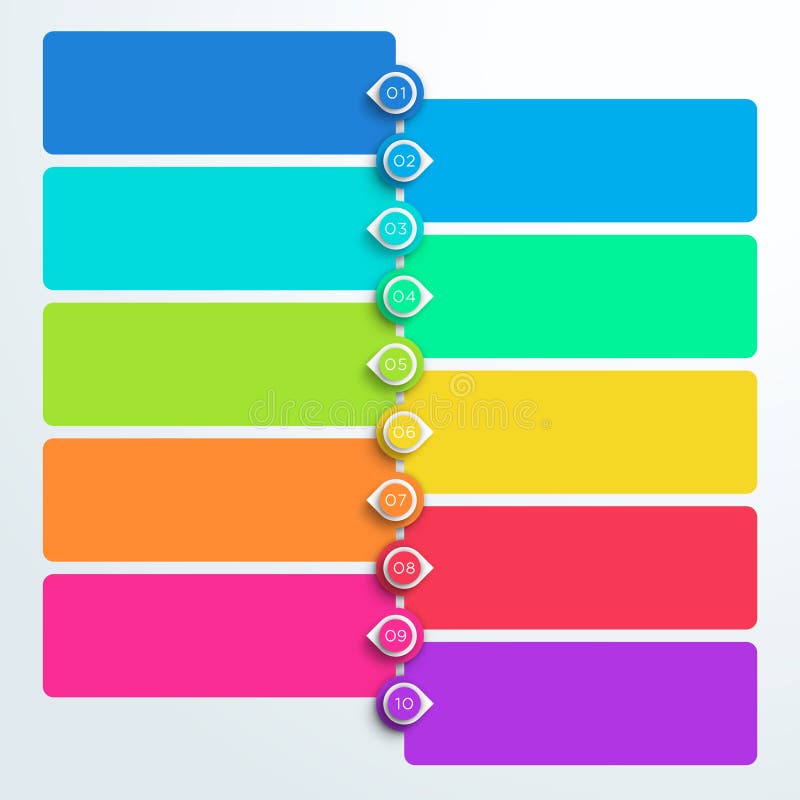
Free with trial 10 step list infographic made of colorful, 3d text boxes with bullet point numbers and editable, transparent drop shadows on a subtle gradient background made in illustrator. Example button vectors 1 to 10 Number Text Boxes Stacked Infographic. 10 step list infographic made of colorful, 3d text boxes with bullet point numbers and editable, transparent drop. 10 step list infographic made of colorful, 3d text boxes with bullet point numbers and editable, transparent drop shadows on a subtle gradient background made in illustrator
Free with trial Icon set. Collection of images for black buttons or icons, including selected and nonselected (by mouse for example) versions. Example button vectors Icon set. Collection of images for black buttons or icons, including selected and nonselected (by mouse for example) versions
Free with trial Lead by example seal badge. lead by example label sticker. Vector sign. Example button vectors Lead by example seal badge. lead by example label sticker. Vector sign. Lead by example label sticker. Vector sign. lead by example seal badge
Free with trial Stripes card in romantic pink. With bubbles and shining. Example button illustrations Stripes card in romantic pink. With bubbles and shining
Free with trial Icon set. Collection of images for black buttons or icons, including selected and nonselected (by mouse for example) versions. Example button vectors Icon set. Collection of images for black buttons or icons, including selected and nonselected (by mouse for example) versions
Free with trial Info graphics set elements of smart phone communication. Example button vectors Info graphics set elements. Info graphics set elements of smart phone communication. Info graphics set elements of smart phone communication.
Free with trial This crisp, clean 3D render features a large white sewing button against a bright white background, emphasizing texture and form. Rendered by Ai, this image showcases a perfect example of high-key product visualization, also Rendered by Ai. Example button illustrations Minimalist White Four-Hole Clothing Button 3D. This crisp, clean 3D render features a large white sewing button against a bright white background, emphasizing. This crisp, clean 3D render features a large white sewing button against a bright white background, emphasizing texture and form. Rendered by Ai, this image showcases a perfect example of high-key product visualization, also Rendered by Ai
Free with trial Icon set. Collection of images for black buttons or icons, including selected and nonselected (by mouse for example) versions. Example button vectors Icon set. Collection of images for black buttons or icons, including selected and nonselected (by mouse for example) versions
Free with trial Web site page templates. Collection. Example button vectors Web site page templates. Collection
Free with trial Different web icons set with rounded corners. Design elements. Example button vectors Different web icons set with rounded corners. Design elements
Free with trial The image displays six fresh button mushrooms arranged in a row, with varying sizes and subtle brown spots on their caps. These mushrooms could be used for culinary purposes or as an example in educational materials about fungi. Generative AI. Example button illustrations Lineup of Fresh Button Mushrooms on White Surface - Food Photography. The image displays six fresh button mushrooms arranged in a row, with varying sizes and. The image displays six fresh button mushrooms arranged in a row, with varying sizes and subtle brown spots on their caps. These mushrooms could be used for culinary purposes or as an example in educational materials about fungi. Generative AI
Free with trial Web site page templates collection. Flat design. Example button vectors Web site page templates collection. Flat design
Free with trial Stock vector banner examples 2. Example button vectors Stock vector banner examples 2
Free with trial Set of simple speech bubble icons on the dark. Background. Vector illustration. Example button vectors Set of simple speech bubble icons on the dark. Background. Vector illustration
Free with trial Password reset interface with a centered form featuring a lock icon at the top. Fields include an email input space with an example email, "e. g. , mail@example. com". Below is a prominent blue "SEND RESET LINK" button. Text prompts the user to enter their registered email to receive a password reset link. Additional options below offer navigation back to the login page and access to help. The design is clean with light blue accents and geometric shapes in the background. Example button vectors Reset Password Password Reset With Lock With Email Input Field. Password reset interface with a centered form featuring a lock icon at the top. Fields include an. Password reset interface with a centered form featuring a lock icon at the top. Fields include an email input space with an example email, "e.g., mail@example.com". Below is a prominent blue "SEND RESET LINK" button. Text prompts the user to enter their registered email to receive a password reset link. Additional options below offer navigation back to the login page and access to help. The design is clean with light blue accents and geometric shapes in the background.
Free with trial Sample stamp on white background. sample stamp sign. Example button illustrations Sample stamp on white background. Sample stamp sign
Free with trial Signposts in the house, flower, sun and wood. Example button vectors Flower tag. Signposts in the house, flower, sun and wood. Signposts in the house, flower, sun and wood.
Free with trial Star decorated with abstract decoration, usable as tattoo, but also to decorated shirt. Example button vectors Star tattoo in black and white isolated. Star decorated with abstract decoration, usable as tattoo, but also to decorated shirt. Star decorated with abstract decoration, usable as tattoo, but also to decorated shirt.
Free with trial Email verification screen with a central email icon featuring a check mark. The text instructs users to enter a six-digit code sent to "user@example. com" to verify their account. Below, there are six empty boxes for code entry, accompanied by a "Verify Account" button. The background features abstract shapes and icons including a lock, user avatar, and arrows, in soft pastel colors. Example button vectors Verify Your Email Email Verification With Email Icon. Email verification screen with a central email icon featuring a check mark. The text instructs users to. Email verification screen with a central email icon featuring a check mark. The text instructs users to enter a six-digit code sent to "user@example.com" to verify their account. Below, there are six empty boxes for code entry, accompanied by a "Verify Account" button. The background features abstract shapes and icons including a lock, user avatar, and arrows, in soft pastel colors.
Free with trial Vector illustration infographics 3d cube. Example button vectors Vector illustration infographics 3d cube.
Free with trial Circle stamp frame illustration / blank,text space. Circle stamp frame vector illustration. Example button vectors Circle stamp frame illustration / blank,text space. Circle stamp frame vector illustration
Free with trial Vector illustration of business infographics 4 options. Set of circles with arrows. paper circles. Example button vectors Vector illustration of business infographics 4 options . Set of. Circles with arrows. paper circles
Free with trial Digital interface for email verification features a stylized blue envelope with a green checkmark, set against graphics with stars and lines. The header displays "CONNECT. " It instructs the user to check their inbox for a verification link sent to "lucas. b@example. com" to confirm account registration. A "RESEND EMAIL" button is below with further instructions on what to do if the email isn't received. The design uses a clean, modern aesthetic with a white background and blue accents. Example button vectors Verify Your Email Email Verification With Envelope. Digital interface for email verification features a stylized blue envelope with a green checkmark, set. Digital interface for email verification features a stylized blue envelope with a green checkmark, set against graphics with stars and lines. The header displays "CONNECT." It instructs the user to check their inbox for a verification link sent to "lucas.b@example.com" to confirm account registration. A "RESEND EMAIL" button is below with further instructions on what to do if the email isn't received. The design uses a clean, modern aesthetic with a white background and blue accents.
Free with trial Illustration of effervescent medicine icon, heartburn, belly. Ideal for medical and educational materials. Example button vectors Illustration of effervescent medicine icon, heartburn, belly. Ideal for medical and educational materials
Free with trial Business stamp vector illustration / FYI. Example button vectors Business stamp vector illustration / FYI. Business stamp vector illustration /FYI
 Sign in