Managed Linux Illustrations & Vectors

Only a few matches for managed linux. Also displaying results for

Browse through 75 managed linux illustrations & vectors or explore more line icons or web hosting vectors to complete your project with stunning visuals.

3D isometric of a Linux-based network security architecture featuring the Tux penguin mascot atop a firewall router with brick wall protection and shield icon. The diagram shows local area networks with computers and laptops on the left, connected through NAT routing with private IP addresses (192. 168. x. x, 10. x, 172. 16-31. x) to cloud servers and internet infrastructure on the right, with data packet flow visualization and network address translation processes illustrated through colorful icon blocks. Managed linux illustrations
Understanding browser tracking Whenever you use the internet, the internet browsing history will be saved by the browser which includes all websites and everything you have done through the browser. Websites store a history in the form of small amounts of data called cookies in your browser. Additional info that cookies are used by many websites to track your browsing activity. Browser tracking is not something that is harmful to your online activities, but it is important for you to understand how your online data is tracked and managed by the browser. Managed linux illustrations
A futuristic cyberpunk-style digital representing ten popular Linux terminal utilities as glowing holographic objects in a neon cyberspace landscape. Each tool is visualized metaphorically: cbonsai as a digital ASCII bonsai tree, glow as a markdown document panel, navi as a holographic compass, tldr as a glowing cube of light, gping as a live latency graph, bat as a code viewer screen, hyperfine as a circular benchmark ring, wtfutil as a dashboard panel, pv as a glowing data pipe, and ncdu as a colorful disk usage block grid. Dark server towers and binary code streams fill the background, symbolizing modern command-line software and developer culture. Managed linux illustrations
This isometric 3D illustration depicts a futuristic digital technology environment, featuring a central transparent blue platform with the Linux logo prominently displayed, emitting light beams. Surrounding the platform are various hardware components such as server towers, data storage units, and circuitry elements, all interconnected by glowing blue circuit lines and nodes on a dark background. Managed linux illustrations
A clear and comprehensive diagram illustrating the Linux file system hierarchy. The visual representation starts with the root directory and branches out to essential top-level directories such as bin, etc, home, and var. Each main directory further expands into common subdirectories and example files, showcasing the structured organization of an operating system. This educational graphic is ideal for illustrating concepts related to computer science, networking, server administration, and programming. Managed linux illustrations
A clean, flat infographic presents a five-layer software and computing stack, with rounded horizontal blocks arranged from dark gray hardware at the bottom through a blue operating system, green web server, yellow application server, and red database at the top. Simple icons illustrate cooling fans, a Linux penguin, a globe and WWW label, code beside a gear, and a database cylinder marked SQL. Fine colored connector lines and subtle shadows separate the layers against a pale background, making the technical structure easy to scan. Managed linux illustrations
Flowchart illustrating a software architecture. The topmost yellow block represents the "Application Layer," followed by the red "User Interface (UI)" layer with a user icon. Below is a blue "Database Management System (DBMS)" block with a database icon. The green "Operating System" block features a Linux penguin logo. The base layer depicts a grey server. Arrows indicate the flow of interaction between layers. Managed linux illustrations
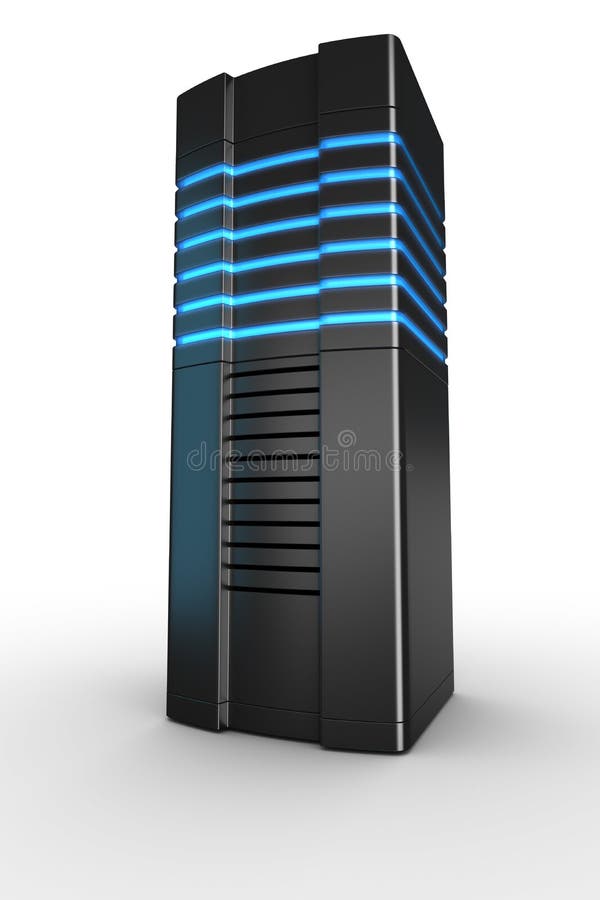
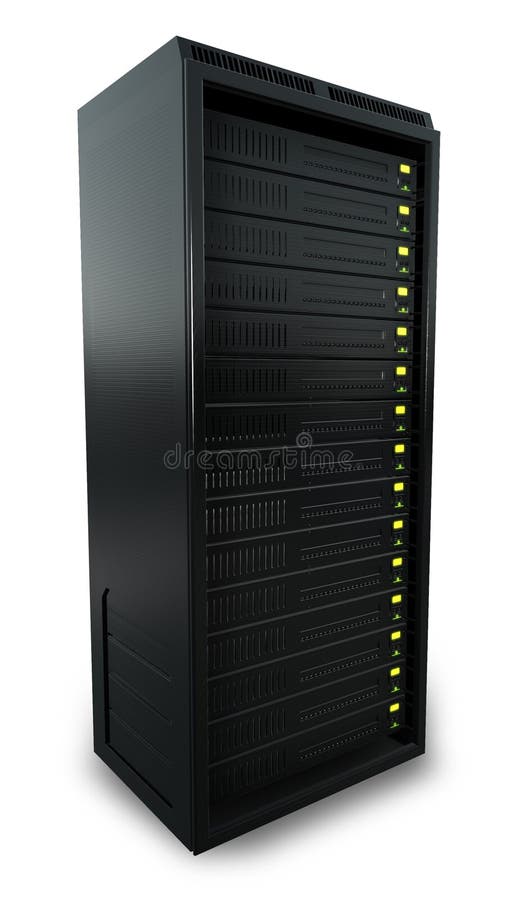
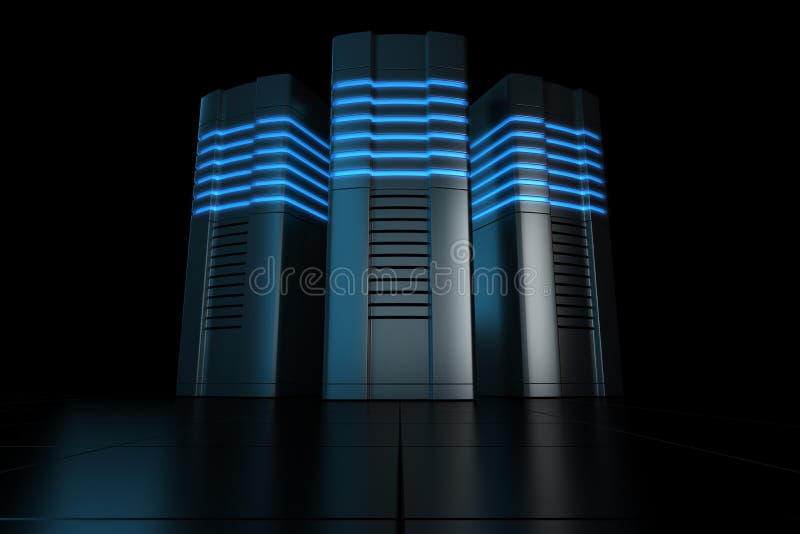
3d render of tower model computer. Fictional design, rendered from interesting angle with simulated wide angle lens to make the server look impressive. Managed linux illustrations
A colorful 3D isometric representing Linux network security and firewall management using modern packet filtering technology. Features a central firewall shield, terminal interface, network servers, traffic routing paths, filtering rules, connection tracking, NAT configuration, and security monitoring elements. Ideal for educational materials, cybersecurity tutorials, Linux administration guides, and network engineering presentations. Isolated on a transparent background. Managed linux illustrations
A hacker wearing a hoodie and headphones works intensely in a dark room equipped with multiple monitors displaying code and network maps. The scene depicts a sophisticated cyber security setup with server racks, Kali Linux branding, and a "Hack the Planet" neon sign, suggesting themes of digital intrusion, programming, or system administration. Managed linux illustrations
A person wearing a hooded sweatshirt is intensely focused, typing on a keyboard in a dimly lit room filled with multiple computer monitors displaying code and data. Posters related to cybersecurity and Linux are visible on the wall, suggesting a hacker or programmer's workspace. Managed linux illustrations
A compact computer tower featuring multiple drive bays with glowing blue LEDs sits on a dark desk, connected by thick blue and yellow braided cables. In the foreground, a black mechanical keyboard rests on the surface, flanked by a black coffee mug on the left and a small potted succulent in a concrete pot on the right, with a monitor visible in the background. Managed linux illustrations
High-tech 3D of secure SSH tunneling and port forwarding, featuring a laptop terminal, encrypted network tunnel, digital security shield, padlock, and server infrastructure. Three distinct diagrams represent local port forwarding, remote port forwarding, and dynamic SOCKS proxy connections. Glowing green, blue, and purple network pathways visualize encrypted data transmission, protected remote access, and secure communication between clients and servers. Ideal for cybersecurity tutorials, networking documentation, server administration guides, IT education, and software engineering publications. Managed linux illustrations
This image was created using Generative AI. Black Ubuntu logo featuring central circle and three connecting nodes surrounded by rotating arrows. Symbolizes open source software, linux community and technology updates. Managed linux vectors
A professional developer or hacker setup featuring multiple screens filled with lines of code and graphs. Cinematic lighting emphasizes a tech-heavy environment for cybersecurity concepts. Managed linux illustrations
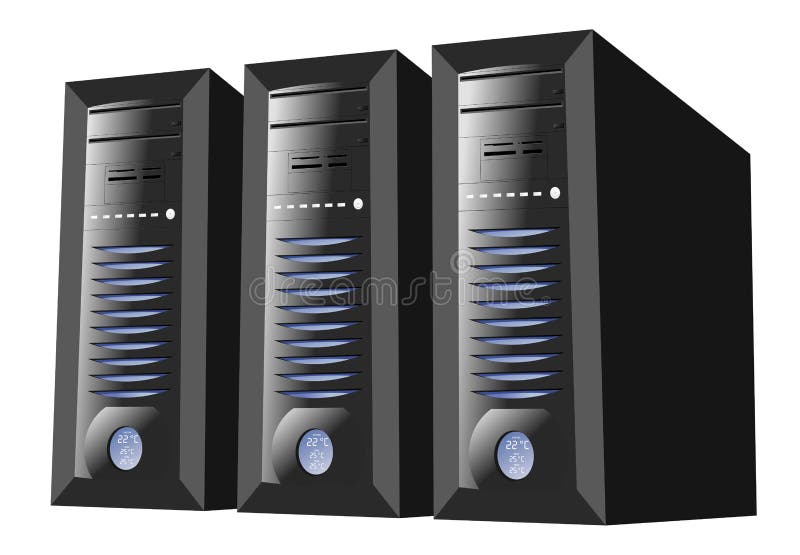
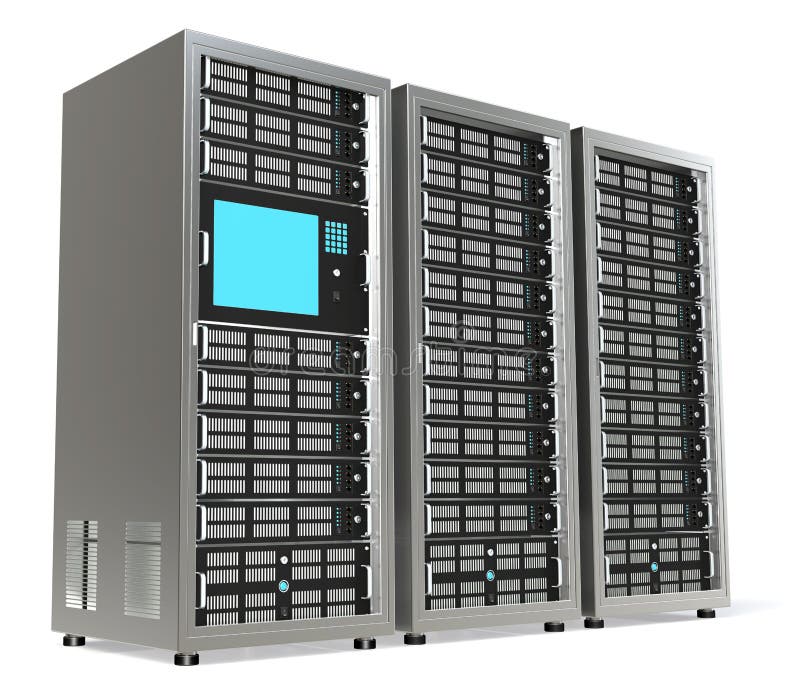
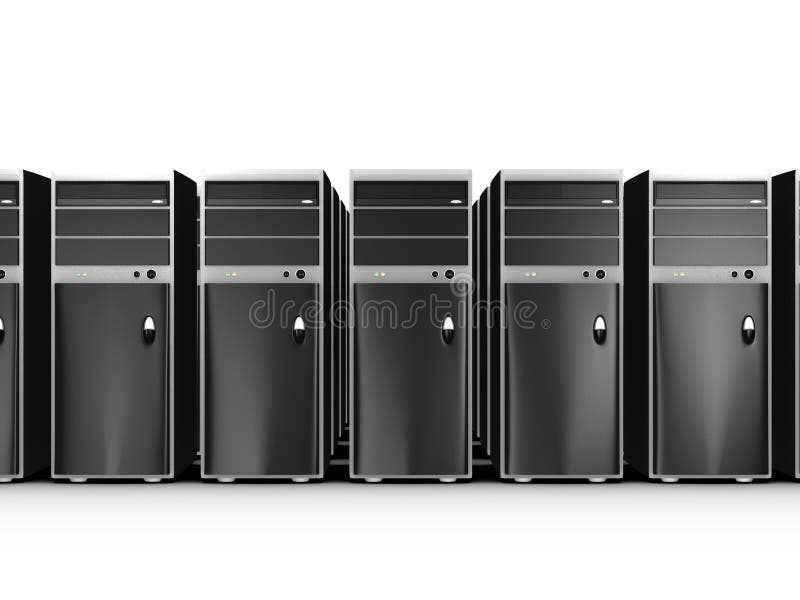
3d render of tower model computers. Fictional design, rendered from interesting angle with simulated wide angle lens to make the servers look impressive. Managed linux illustrations
3D rendered terminal command line icon with yellow prompt arrow and white cursor on dark card, white background. Perfect for developer, DevOps, CLI, shell, coding. Managed linux illustrations