Free with trial Thumbs Down Icon - dislike Icon. Sing symbol. React vectors Thumbs Down Icon - dislike Icon. Sing symbol
Free with trial A minimalist black and white illustration featuring a code snippet symbol (< >) positioned below a menu icon represented by three horizontal lines. The image evokes concepts of web development, software engineering, user interface design, and mobile app development. It can be used to represent website settings, coding tutorials, or software applications. React vectors Code Snippet and Menu Icon. A minimalist black and white illustration featuring a code snippet symbol (< >) positioned below a menu icon represented by three. A minimalist black and white illustration featuring a code snippet symbol (< >) positioned below a menu icon represented by three horizontal lines. The image evokes concepts of web development, software engineering, user interface design, and mobile app development. It can be used to represent website settings, coding tutorials, or software applications.
Free with trial Quick Response. Black and Orange Survey Icon. React vectors Quick Response. Black and Orange Survey Icon
Free with trial Simple abstract and vibrant with Aztec Style about people that had introvert character inside them. Inflict in how they react with anything in their life. React vectors DAILY BASIS BOUT INTROVERT WITH AZTEC STYLE. Simple abstract and vibrant with Aztec Style about people that had introvert character inside them. Inflict in how. Simple abstract and vibrant with Aztec Style about people that had introvert character inside them. Inflict in how they react with anything in their life.
Free with trial 2D editable blue adaptation level theory icon, monochromatic isolated vector, thin line illustration representing environmental psychology. React vectors Thin line blue adaptation level theory icon concept. 2D editable blue adaptation level theory icon, monochromatic isolated vector, thin line illustration. 2D editable blue adaptation level theory icon, monochromatic isolated vector, thin line illustration representing environmental psychology.
Free with trial Humor in Social Media concept. Users enjoying and sharing light-hearted meme content, reflecting the fun aspect of online interaction. Digital laughter and community bonding. Flat vector illustration. React vectors Humor in Social Media concept. Users enjoying and sharing light-hearted meme content. Reflecting the fun aspect of online interaction. Digital laughter and. Humor in Social Media concept. Users enjoying and sharing light-hearted meme content, reflecting the fun aspect of online interaction. Digital laughter and community bonding. Flat vector illustration.
Free with trial The set-arrow-icon is a utility or component designed to create, modify, or apply an arrow icon within a user interface. It is commonly used in web development or design systems to add directional indicators to buttons, menus, dropdowns, or navigational elements. Key Features:Customizable Direction: Supports multiple arrow directions (e. g. , up, down, left, right). Scalable Design: Can adapt to different sizes and resolutions, ensuring it looks sharp on all devices. Styling Options: Allows the application of custom colors, weights, and animations for tailored visual effects. Interactive States: Often includes hover, focus, or active states for dynamic user interaction. Integration-Friendly: Easy to integrate with CSS, JavaScript, or front-end frameworks like React, Angular, or Vue. React vectors Set-arrow-icon. The set-arrow-icon is a utility or component designed to create, modify, or apply an arrow icon within a user interface. It is commonly used in. The set-arrow-icon is a utility or component designed to create, modify, or apply an arrow icon within a user interface. It is commonly used in web development or design systems to add directional indicators to buttons, menus, dropdowns, or navigational elements.Key Features:Customizable Direction: Supports multiple arrow directions (e.g., up, down, left, right).Scalable Design: Can adapt to different sizes and resolutions, ensuring it looks sharp on all devices.Styling Options: Allows the application of custom colors, weights, and animations for tailored visual effects.Interactive States: Often includes hover, focus, or active states for dynamic user interaction.Integration-Friendly: Easy to integrate with CSS, JavaScript, or front-end frameworks like React, Angular, or Vue.
Free with trial The set-arrow-icon is a utility or component designed to create, modify, or apply an arrow icon within a user interface. It is commonly used in web development or design systems to add directional indicators to buttons, menus, dropdowns, or navigational elements. Key Features:Customizable Direction: Supports multiple arrow directions (e. g. , up, down, left, right). Scalable Design: Can adapt to different sizes and resolutions, ensuring it looks sharp on all devices. Styling Options: Allows the application of custom colors, weights, and animations for tailored visual effects. Interactive States: Often includes hover, focus, or active states for dynamic user interaction. Integration-Friendly: Easy to integrate with CSS, JavaScript, or front-end frameworks like React, Angular, or Vue. React vectors Set-arrow-icon. The set-arrow-icon is a utility or component designed to create, modify, or apply an arrow icon within a user interface. It is commonly used in. The set-arrow-icon is a utility or component designed to create, modify, or apply an arrow icon within a user interface. It is commonly used in web development or design systems to add directional indicators to buttons, menus, dropdowns, or navigational elements.Key Features:Customizable Direction: Supports multiple arrow directions (e.g., up, down, left, right).Scalable Design: Can adapt to different sizes and resolutions, ensuring it looks sharp on all devices.Styling Options: Allows the application of custom colors, weights, and animations for tailored visual effects.Interactive States: Often includes hover, focus, or active states for dynamic user interaction.Integration-Friendly: Easy to integrate with CSS, JavaScript, or front-end frameworks like React, Angular, or Vue.
Free with trial The set-arrow-icon is a utility or component designed to create, modify, or apply an arrow icon within a user interface. It is commonly used in web development or design systems to add directional indicators to buttons, menus, dropdowns, or navigational elements. Key Features:Customizable Direction: Supports multiple arrow directions (e. g. , up, down, left, right). Scalable Design: Can adapt to different sizes and resolutions, ensuring it looks sharp on all devices. Styling Options: Allows the application of custom colors, weights, and animations for tailored visual effects. Interactive States: Often includes hover, focus, or active states for dynamic user interaction. Integration-Friendly: Easy to integrate with CSS, JavaScript, or front-end frameworks like React, Angular, or Vue. React vectors Set-arrow-icon. The set-arrow-icon is a utility or component designed to create, modify, or apply an arrow icon within a user interface. It is commonly used in. The set-arrow-icon is a utility or component designed to create, modify, or apply an arrow icon within a user interface. It is commonly used in web development or design systems to add directional indicators to buttons, menus, dropdowns, or navigational elements.Key Features:Customizable Direction: Supports multiple arrow directions (e.g., up, down, left, right).Scalable Design: Can adapt to different sizes and resolutions, ensuring it looks sharp on all devices.Styling Options: Allows the application of custom colors, weights, and animations for tailored visual effects.Interactive States: Often includes hover, focus, or active states for dynamic user interaction.Integration-Friendly: Easy to integrate with CSS, JavaScript, or front-end frameworks like React, Angular, or Vue.
Free with trial The set-arrow-icon is a utility or component designed to create, modify, or apply an arrow icon within a user interface. It is commonly used in web development or design systems to add directional indicators to buttons, menus, dropdowns, or navigational elements. Key Features:Customizable Direction: Supports multiple arrow directions (e. g. , up, down, left, right). Scalable Design: Can adapt to different sizes and resolutions, ensuring it looks sharp on all devices. Styling Options: Allows the application of custom colors, weights, and animations for tailored visual effects. Interactive States: Often includes hover, focus, or active states for dynamic user interaction. Integration-Friendly: Easy to integrate with CSS, JavaScript, or front-end frameworks like React, Angular, or Vue. React vectors Set-arrow-icon. The set-arrow-icon is a utility or component designed to create, modify, or apply an arrow icon within a user interface. It is commonly used in. The set-arrow-icon is a utility or component designed to create, modify, or apply an arrow icon within a user interface. It is commonly used in web development or design systems to add directional indicators to buttons, menus, dropdowns, or navigational elements.Key Features:Customizable Direction: Supports multiple arrow directions (e.g., up, down, left, right).Scalable Design: Can adapt to different sizes and resolutions, ensuring it looks sharp on all devices.Styling Options: Allows the application of custom colors, weights, and animations for tailored visual effects.Interactive States: Often includes hover, focus, or active states for dynamic user interaction.Integration-Friendly: Easy to integrate with CSS, JavaScript, or front-end frameworks like React, Angular, or Vue.
Free with trial The set-arrow-icon is a utility or component designed to create, modify, or apply an arrow icon within a user interface. It is commonly used in web development or design systems to add directional indicators to buttons, menus, dropdowns, or navigational elements. Key Features:Customizable Direction: Supports multiple arrow directions (e. g. , up, down, left, right). Scalable Design: Can adapt to different sizes and resolutions, ensuring it looks sharp on all devices. Styling Options: Allows the application of custom colors, weights, and animations for tailored visual effects. Interactive States: Often includes hover, focus, or active states for dynamic user interaction. Integration-Friendly: Easy to integrate with CSS, JavaScript, or front-end frameworks like React, Angular, or Vue. React vectors Set-arrow-icon. The set-arrow-icon is a utility or component designed to create, modify, or apply an arrow icon within a user interface. It is commonly used in. The set-arrow-icon is a utility or component designed to create, modify, or apply an arrow icon within a user interface. It is commonly used in web development or design systems to add directional indicators to buttons, menus, dropdowns, or navigational elements.Key Features:Customizable Direction: Supports multiple arrow directions (e.g., up, down, left, right).Scalable Design: Can adapt to different sizes and resolutions, ensuring it looks sharp on all devices.Styling Options: Allows the application of custom colors, weights, and animations for tailored visual effects.Interactive States: Often includes hover, focus, or active states for dynamic user interaction.Integration-Friendly: Easy to integrate with CSS, JavaScript, or front-end frameworks like React, Angular, or Vue.
Free with trial The set-arrow-icon is a utility or component designed to create, modify, or apply an arrow icon within a user interface. It is commonly used in web development or design systems to add directional indicators to buttons, menus, dropdowns, or navigational elements. Key Features:Customizable Direction: Supports multiple arrow directions (e. g. , up, down, left, right). Scalable Design: Can adapt to different sizes and resolutions, ensuring it looks sharp on all devices. Styling Options: Allows the application of custom colors, weights, and animations for tailored visual effects. Interactive States: Often includes hover, focus, or active states for dynamic user interaction. Integration-Friendly: Easy to integrate with CSS, JavaScript, or front-end frameworks like React, Angular, or Vue. React vectors Set-arrow-icon. The set-arrow-icon is a utility or component designed to create, modify, or apply an arrow icon within a user interface. It is commonly used in. The set-arrow-icon is a utility or component designed to create, modify, or apply an arrow icon within a user interface. It is commonly used in web development or design systems to add directional indicators to buttons, menus, dropdowns, or navigational elements.Key Features:Customizable Direction: Supports multiple arrow directions (e.g., up, down, left, right).Scalable Design: Can adapt to different sizes and resolutions, ensuring it looks sharp on all devices.Styling Options: Allows the application of custom colors, weights, and animations for tailored visual effects.Interactive States: Often includes hover, focus, or active states for dynamic user interaction.Integration-Friendly: Easy to integrate with CSS, JavaScript, or front-end frameworks like React, Angular, or Vue.
Free with trial The set-arrow-icon is a utility or component designed to create, modify, or apply an arrow icon within a user interface. It is commonly used in web development or design systems to add directional indicators to buttons, menus, dropdowns, or navigational elements. Key Features:Customizable Direction: Supports multiple arrow directions (e. g. , up, down, left, right). Scalable Design: Can adapt to different sizes and resolutions, ensuring it looks sharp on all devices. Styling Options: Allows the application of custom colors, weights, and animations for tailored visual effects. Interactive States: Often includes hover, focus, or active states for dynamic user interaction. Integration-Friendly: Easy to integrate with CSS, JavaScript, or front-end frameworks like React, Angular, or Vue. React vectors Set-arrow-icon. The set-arrow-icon is a utility or component designed to create, modify, or apply an arrow icon within a user interface. It is commonly used in. The set-arrow-icon is a utility or component designed to create, modify, or apply an arrow icon within a user interface. It is commonly used in web development or design systems to add directional indicators to buttons, menus, dropdowns, or navigational elements.Key Features:Customizable Direction: Supports multiple arrow directions (e.g., up, down, left, right).Scalable Design: Can adapt to different sizes and resolutions, ensuring it looks sharp on all devices.Styling Options: Allows the application of custom colors, weights, and animations for tailored visual effects.Interactive States: Often includes hover, focus, or active states for dynamic user interaction.Integration-Friendly: Easy to integrate with CSS, JavaScript, or front-end frameworks like React, Angular, or Vue.
Free with trial Dog activities icon set. dog walking, dog on a leash, linear icons, dog training illustrations for commercial use. React vectors Dog Activities icon set. Dog walking, dog on a leash, linear icons, dog training illustrations for commercial use
Free with trial Dog activities icon set. dog walking, dog on a leash, linear icons, dog training illustrations for commercial use. React vectors Dog Activities icon set. Dog walking, dog on a leash, linear icons, dog training illustrations for commercial use
Free with trial Dog activities icon set. dog walking, dog on a leash, linear icons, dog training illustrations for commercial use. React vectors Dog Activities icon set. Dog walking, dog on a leash, linear icons, dog training illustrations for commercial use
Free with trial Dog activities icon set. dog walking, dog on a leash linear icons, dog training illustrations for commercial use. React vectors Dog activities icon set. Dog walking, dog on a leash linear icons, dog training illustrations for commercial use
Free with trial Humor in Social Media concept. Users enjoying and sharing light-hearted meme content, reflecting the fun aspect of online interaction. Digital laughter and community bonding. Flat vector illustration. React vectors Humor in Social Media concept. Users enjoying and sharing light-hearted meme content, reflecting the fun aspect of. Online interaction. Digital laughter and. Humor in Social Media concept. Users enjoying and sharing light-hearted meme content, reflecting the fun aspect of online interaction. Digital laughter and community bonding. Flat vector illustration.
Free with trial Physics colored vector icon on white background. Stock vector EPS10. React vectors Physics colored vector icon on white background. Stock vector EPS10
Free with trial Physics vecor icon set. Stock vector illustrator. EPS 10. React vectors Physics vecor icon set. Stock vector illustrator. EPS 10
Free with trial Physics vecor icon set. Stock vector illustrator. EPS 10. React vectors Physics vecor icon set. Stock vector illustrator. EPS 10
Free with trial Physics vecor icon set. Stock vector illustrator. EPS 10. React vectors Physics vecor icon set. Stock vector illustrator. EPS 10
Free with trial Physics vecor icon set. Stock vector illustrator. EPS 10. React vectors Physics vecor icon set. Stock vector illustrator. EPS 10
Free with trial Physics vecor icon set. Stock vector illustrator. EPS 10. React vectors Physics vecor icon set. Stock vector illustrator. EPS 10
Free with trial Physics vecor icon set. Stock vector illustrator. EPS 10. React vectors Physics vecor icon set. Stock vector illustrator. EPS 10
Free with trial A checklist card with prompts to identify and understand personal triggers for improved self-awareness and emotional regulation. React vectors Know Your Triggers Checklist for Self-Awareness and Management. A checklist card with prompts to identify and understand personal triggers for improved self. A checklist card with prompts to identify and understand personal triggers for improved self-awareness and emotional regulation
Free with trial Mix icon for Customer Satisfaction, customer and feedback. Mix icon for Customer satisfaction, customer, satisfaction, feedback, experience and response. React vectors Mix icon for Customer Satisfaction, customer and feedback. Mix icon for Customer satisfaction, customer, satisfaction, feedback, experience and response
Free with trial Surprised shocked woman with hand at mouth. Amazed astonished face expression, reaction to unexpected. Amazement and astonishment emotion. Flat vector illustration isolated on white background. React vectors Surprised shocked woman with hand at mouth. Amazed astonished face expression, reaction to. Unexpected. Amazement and astonishment emotion. Flat vector. Surprised shocked woman with hand at mouth. Amazed astonished face expression, reaction to unexpected. Amazement and astonishment emotion. Flat vector illustration isolated on white background
Free with trial An artistic creation that reflects beauty in simplicity. The design highlights precision, clean details, and a harmonious flow, resulting in a versatile and professional visual outcome. React vectors A surprised yellow emoticon points to the left, wearing shoes and gloves. An artistic creation that reflects beauty in simplicity. The design highlights. An artistic creation that reflects beauty in simplicity. The design highlights precision, clean details, and a harmonious flow, resulting in a versatile and professional visual outcome
Free with trial Young man is choosing between different reactions in social media, vector illustration of a person in doubt between different responses when communicating online. React vectors Young man is choosing between different reactions in social media, vector illustration of a person in doubt between different. Responses when communicating
Free with trial This image depicts a group of four diverse friends celebrating enthusiastically in a living room while watching a soccer game on television, featuring a flat vector illustration style with soft pastel colors, clean lines, and snacks on a coffee table, capturing a joyful and energetic atmosphere as they react to the action. React vectors Excited friends cheering while watching soccer match. This image depicts a group of four diverse friends celebrating enthusiastically in a living room while. This image depicts a group of four diverse friends celebrating enthusiastically in a living room while watching a soccer game on television, featuring a flat vector illustration style with soft pastel colors, clean lines, and snacks on a coffee table, capturing a joyful and energetic atmosphere as they react to the action
Free with trial New high-resolution Facebook reactions, showcasing the various expressive reactions (like, love, wow, etc. ) with thumb icons and vibrant color schemes. React vectors High Resolution Facebook Reactions Image for Social Media Marketing. New high-resolution Facebook reactions, showcasing the various expressive reactions (like. New high-resolution Facebook reactions, showcasing the various expressive reactions (like, love, wow, etc.) with thumb icons and vibrant color schemes.
Free with trial Act Now. Hand hold megaphone speaker for announce. Attention please. Shouting people, advertisement speech symbol. React vectors Act Now. Hand hold megaphone speaker for announce. Attention please. Shouting people, advertisement speech symbol.
Free with trial An online product review from "Jane Doe" dated October 26, 2023. The profile picture is a simple avatar of a woman with dark hair. The review is titled "Exceptional Quality & Design! " with a five-star rating. It praises the product's build quality, functionality, and responsive customer service, recommending it as a reliable and worthwhile purchase. The review has 14 likes and 1 dislike, with options to report or react. The background has abstract line and shape patterns. React vectors Exceptional Quality Design Product Review With Person. An online product review from 'Jane Doe' dated October 26, 2023. The profile picture is a simple avatar of. An online product review from "Jane Doe" dated October 26, 2023. The profile picture is a simple avatar of a woman with dark hair. The review is titled "Exceptional Quality & Design!" with a five-star rating. It praises the product's build quality, functionality, and responsive customer service, recommending it as a reliable and worthwhile purchase. The review has 14 likes and 1 dislike, with options to report or react. The background has abstract line and shape patterns.
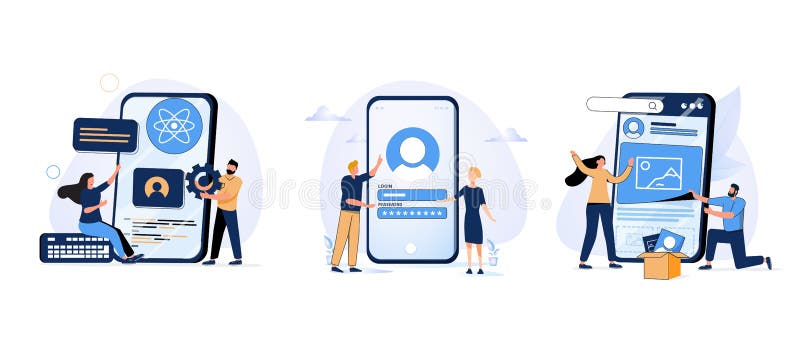
Free with trial Mobile app development process abstract concept vector illustration set. React native mobile app, experience design, usability testing, user interface, software architecture abstract metaphor. React vectors Mobile app development process abstract concept vector illustration set. React native mobile app, experience design. Usability testing, user interface. Mobile app development process abstract concept vector illustration set. React native mobile app, experience design, usability testing, user interface, software architecture abstract metaphor
Free with trial React js javascript modern programming language for speed of website framework technology line of code. Vector. React vectors React js javascript modern programming language for speed of website framework technology line of code. Vector
Free with trial React native mobile programming code developer software smartphone. Vector. React vectors React native mobile programming code developer software smartphone. Vector
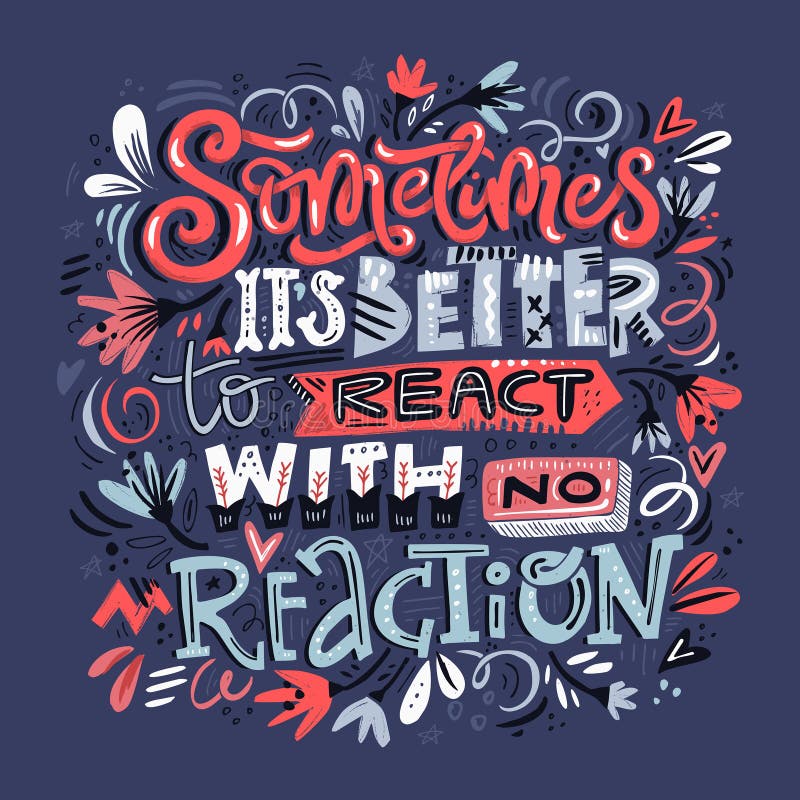
Free with trial Vector art - sometimes it`s better to react with no reaction. Typography with swirls and florals around it. React vectors React with no reaction. Vector art - sometimes it`s better to react with no reaction. Typography with swirls and florals around it. Vector art - sometimes it`s better to react with no reaction. Typography with swirls and florals around it.
Free with trial Facebook react emojis background illustration. love, like, haha, sad and angry emojis smart vector art. React vectors Facebook react emojis background vector illustration. Facebook react emojis background illustration. love, like, haha, sad and angry emojis smart vector art. Facebook react emojis background illustration. love, like, haha, sad and angry emojis smart vector art.
Free with trial Mobile app development process abstract concept vector illustration set. React native mobile app, experience design, usability testing, user interface, software architecture abstract metaphor. React vectors Mobile app development process abstract concept vector illustration set. React native mobile app, experience design. Mobile app development process abstract. Mobile app development process abstract concept vector illustration set. React native mobile app, experience design, usability testing, user interface, software architecture abstract metaphor.
Free with trial Mobile app development process abstract concept vector illustration set. React native mobile app, experience design, usability testing, user interface, software architecture abstract metaphor. React vectors Mobile app development process abstract concept vector illustration set. React native mobile app, experience design. Usability testing, user interface. Mobile app development process abstract concept vector illustration set. React native mobile app, experience design, usability testing, user interface, software architecture abstract metaphor
Free with trial Lettering quote - sometimes it`s better to react with no reaction. Insiprational typography in vintage colors. React vectors React with no reaction. Lettering quote - sometimes it`s better to react with no reaction. Insiprational typography in vintage colors. Lettering quote - sometimes it`s better to react with no reaction. Insiprational typography in vintage colors.
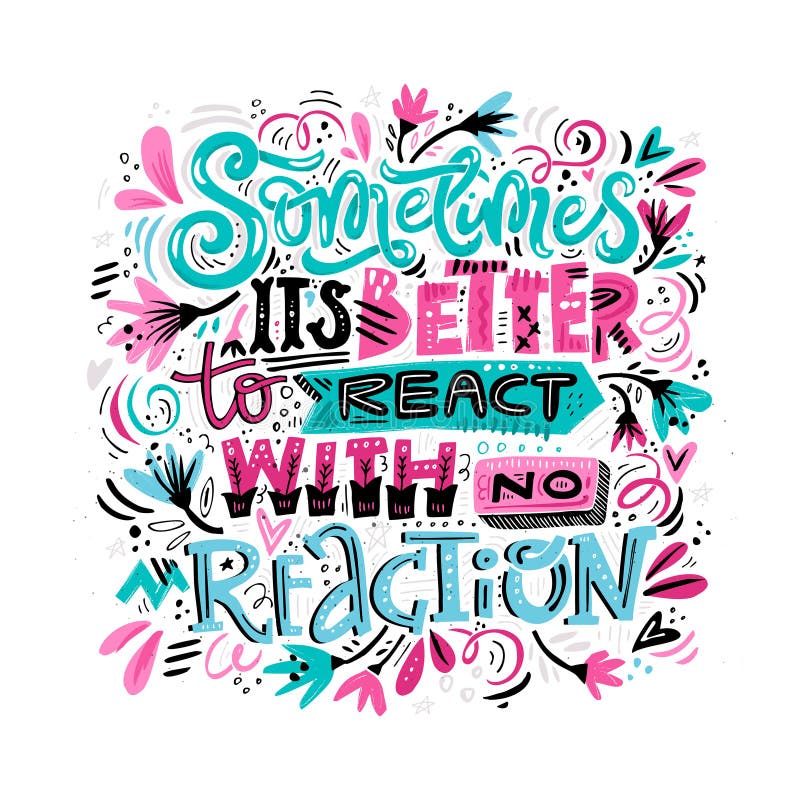
Free with trial Lettering quote - sometimes it`s better to react with no reaction. Colorful Insiprational typography. React vectors React with no reaction. Lettering quote - sometimes it`s better to react with no reaction. Colorful Insiprational typography. Lettering quote - sometimes it`s better to react with no reaction. Colorful Insiprational typography.
Free with trial Insiprational typography - sometimes it`s better to react with no reaction. Insiprational typography. Vector art. React vectors React with no reaction. Insiprational typography - sometimes it`s better to react with no reaction. Insiprational typography. Vector art. Insiprational typography - sometimes it`s better to react with no reaction. Insiprational typography. Vector art.
Free with trial React native mobile app abstract concept vector illustration. Cross-platform native mobile app development framework, JavaScript library, user interface, operating system abstract metaphor. React vectors React native mobile app abstract concept vector illustration. Cross-platform native mobile app development framework, JavaScript library, user interface
Free with trial Lettering quote with floral decoration - sometimes it`s better to react with no reaction. React vectors React with no reaction. Lettering quote with floral decoration - sometimes it`s better to react with no reaction. Lettering quote with floral decoration - sometimes it`s better to react with no reaction.
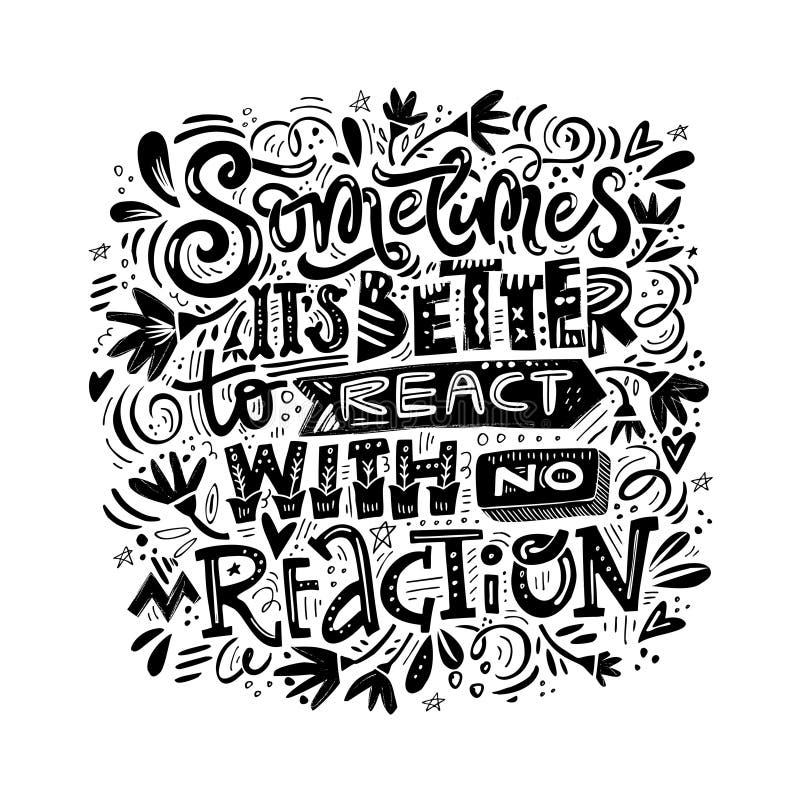
Free with trial Black and white lettering quote. Sometimes it`s better to react with no reaction. React vectors React with no reaction. Black and white lettering quote. Sometimes it`s better to react with no reaction. Black and white lettering quote. Sometimes it`s better to react with no reaction.
Free with trial React native mobile app abstract concept vector illustration. Cross-platform native mobile app development framework, JavaScript library, user interface, operating system abstract metaphor. React vectors React native mobile app abstract concept vector illustration. Cross-platform native mobile app development framework, JavaScript library, user interface
Free with trial Baby react to sound RGB color icon. Infant sensory reaction. Child's developmental milestone. Toddler listen. Kid hear noise. Early childhood development. Isolated vector illustration. React vectors Baby react to sound RGB color icon. Infant sensory reaction. Child's developmental milestone. Toddler listen. Kid hear noise. Early childhood development. Baby react to sound RGB color icon. Infant sensory reaction. Child's developmental milestone. Toddler listen. Kid hear noise. Early childhood development. Isolated vector illustration
Free with trial Mix icon for React, fusion, atom, atomic, nuclear, chemistry and circle. React vectors Mix icon for React, chemistry and circle. Mix icon for React, fusion, atom, atomic, nuclear, chemistry and circle. Mix icon for React, fusion, atom, atomic, nuclear, chemistry and circle
Free with trial Downed power line safety rule. How to react if a power line falls on your car. Scared male driver is looking from the open window. Flat vector illustration template. React vectors How to react if a power line falls on your car. Scared male driver is looking from the open window. Downed power line safety rule. How to react if a power line. Downed power line safety rule. How to react if a power line falls on your car. Scared male driver is looking from the open window. Flat vector illustration template.
Free with trial React Native, dark poster with blue vector icon on black background. React vectors React Native, dark poster with blue vector icon on black background.
Free with trial Physics, React, Science Blue Dotted Line Line Icon. React vectors Physics, React, Science Blue Dotted Line Line Icon
Free with trial Social media at screen technology, people react at internet fake news vector illustration. Online computer, tv with flat information. Wireless communication lifestyle, content at device. React vectors Social media at screen technology, people react at internet fake news vector illustration. Online computer, tv with flat. Information. Wireless communication. Social media at screen technology, people react at internet fake news vector illustration. Online computer, tv with flat information. Wireless communication lifestyle, content at device.
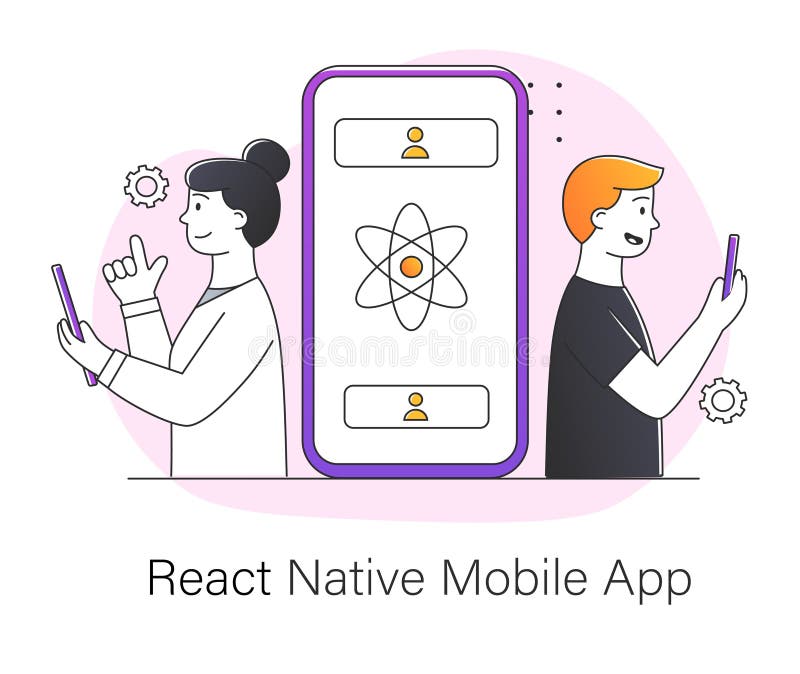
Free with trial React native mobile apps development concept with modern flat style. Vector illustration. React vectors React native mobile apps development concept with modern flat style. Vector illustration
Free with trial React icon of 3 types. Isolated vector sign symbol. React vectors React icon of 3 types color, black and white, outline. Isolated vector sign symbol. React icon of 3 types. Isolated vector sign symbol. React icon of 3 types. Isolated vector sign symbol.
Free with trial Physics, React, Science Mobile App Button. Android and IOS Glyph Version. React vectors Physics, React, Science Mobile App Button. Android and IOS Glyph Version
Free with trial Reaction music audio logo wave react. Solution design play button. React vectors Reaction music audio logo wave react. Solution design play button
Free with trial React icon isolated on white background. React icon vector set on white background. EPS 10. React vectors React icon isolated on white background. React icon vector set on white background. EPS 10
Free with trial Physics, React, Science SOlid Icon Website Banner and Business Logo Template. React vectors Physics, React, Science SOlid Icon Website Banner and Business Logo Template
Free with trial React Code Symbol. Concept of code and programming. Vector illustration. React vectors React Code Symbol. Concept of code and programming. Vector illustration
Free with trial React native mobile app abstract concept vector illustration. Cross-platform native mobile app development framework, JavaScript library, user interface, operating system abstract metaphor. React vectors React native mobile app abstract concept vector illustration. Cross-platform native mobile app development framework, JavaScript library, user interface
Free with trial Physics, React, Science Abstract Circle Background Flat color Icon. React vectors Physics, React, Science Abstract Circle Background Flat color Icon
Free with trial Physics, React, Science Solid Icon Infographics 5 Steps Presentation Background. React vectors Physics, React, Science Solid Icon Infographics 5 Steps Presentation Background
Free with trial Physics, React, Science Icons. Flat and Line Filled Icon Set Vector Blue Background. React vectors Physics, React, Science Icons. Flat and Line Filled Icon Set Vector Blue Background
Free with trial Physics, React, Science Line icon with 5 steps presentation infographics Background. React vectors Physics, React, Science Line icon with 5 steps presentation infographics Background
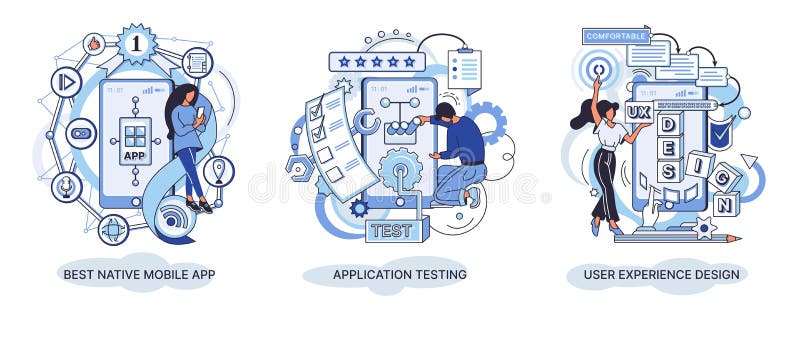
Free with trial Abstract metaphor set. Mobile app development process. React best native mobile app, user interface, experience design, usability application testing, software architecture. User experience ux design. React vectors Abstract metaphor set. Mobile app development process. React best native mobile app, user interface. Experience design, usability application testing, software. Abstract metaphor set. Mobile app development process. React best native mobile app, user interface, experience design, usability application testing, software architecture. User experience ux design
Free with trial Black line icon for React, fusion, atom, nuclear, logo, chemistry and circle. React vectors Black line icon for React, chemistry and circle. Black line icon for React, fusion, atom, nuclear, logo, chemistry and circle. Black line icon for React, fusion, atom, nuclear, logo, chemistry and circle
Free with trial Pack of 25 Modern Lines Signs and Symbols for Web Print Media such as currency, science, idea, react, bulb Editable Vector Design Elements. React vectors 25 Universal Lines Set for Web and Mobile Applications currency, science, idea, react, bulb. Pack of 25 Modern Lines Signs and Symbols for Web Print Media such. Pack of 25 Modern Lines Signs and Symbols for Web Print Media such as currency, science, idea, react, bulb Editable Vector Design Elements
Free with trial Flat illustration of react native programmer concept. Illustration for websites, landing pages, mobile applications, posters and banners. React vectors Flat illustration of react native programmer concept. Illustration for websites, landing pages, mobile applications, posters and banners
Free with trial React native mobile app concept. Developing smartphone applications using user experience. Modern technologies and Internet. Cartoon modern flat vector illustration isolated on white background. React vectors React native mobile app concept. Developing smartphone applications using user experience. Modern technologies and Internet. Cartoon modern flat vector
Free with trial React native mobile app abstract concept vector illustration. Cross-platform native mobile app development framework, JavaScript library, user interface, operating system abstract metaphor. React vectors React native mobile app abstract concept vector illustration. Cross-platform native mobile app development framework, JavaScript library, user interface
Free with trial 3D Isometric Flat Vector Conceptual Illustration of React Native Development, Mobile App Creating. React vectors 3D Isometric Flat Vector Conceptual Illustration of React Native Development. Mobile App Creating
Free with trial 3D Isometric Flat Vector Conceptual Illustration of React Native Development, Mobile App Design. React vectors 3D Isometric Flat Vector Conceptual Illustration of React Native Development. Mobile App Design
Free with trial Person with react. Business vector illustration concept. React vectors Person with react. Business vector illustration concept.
Free with trial Person with react. Business vector illustration concept. React vectors Person with react. Business vector illustration concept.
Free with trial Physics, React, Science Business Logo Template. Flat Color. React vectors Physics, React, Science Business Logo Template. Flat Color
 Sign in